
Does it Suck? 🤔 Sony LinkBuds Clip Review (vs LinkBuds Open)
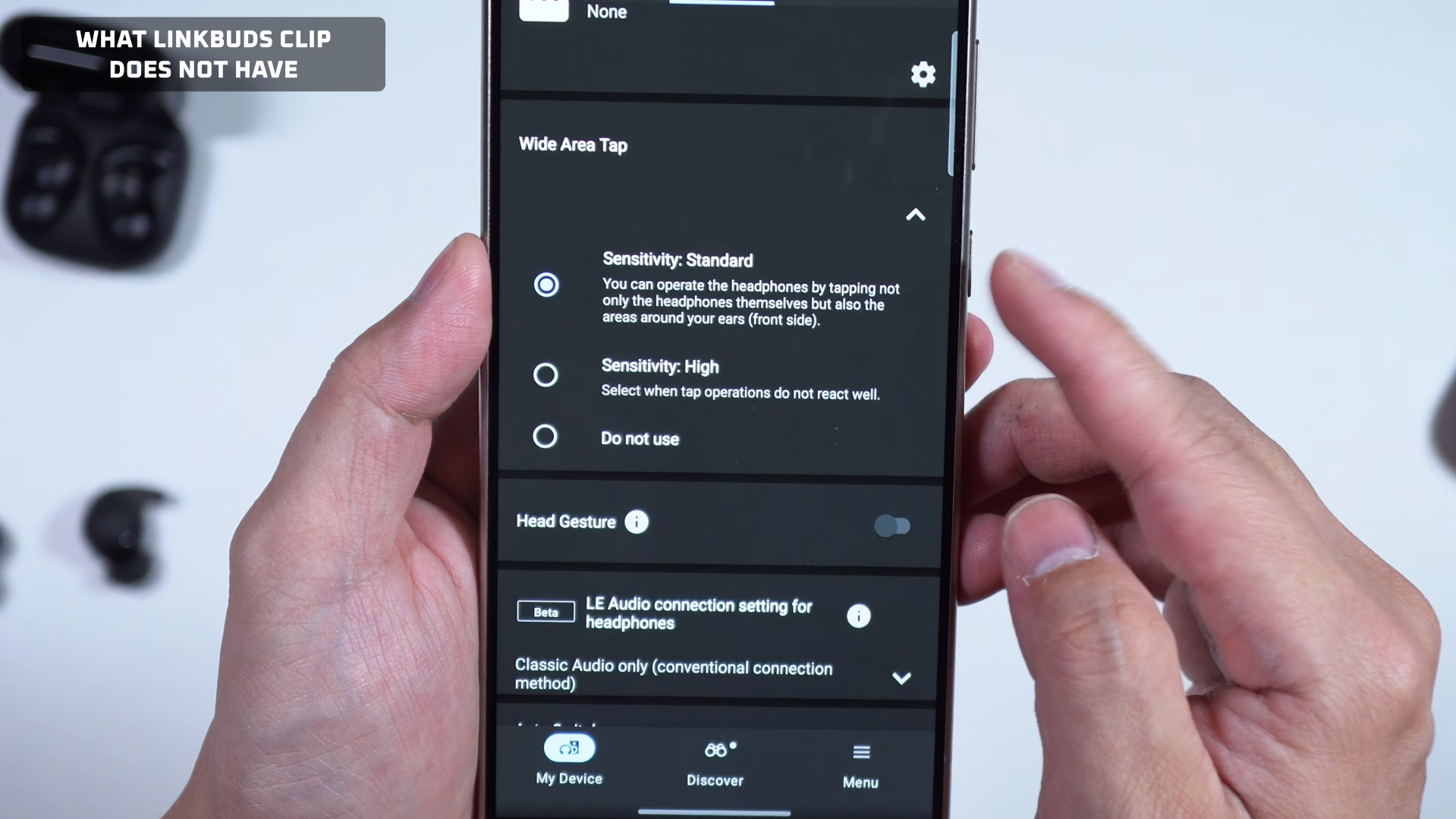
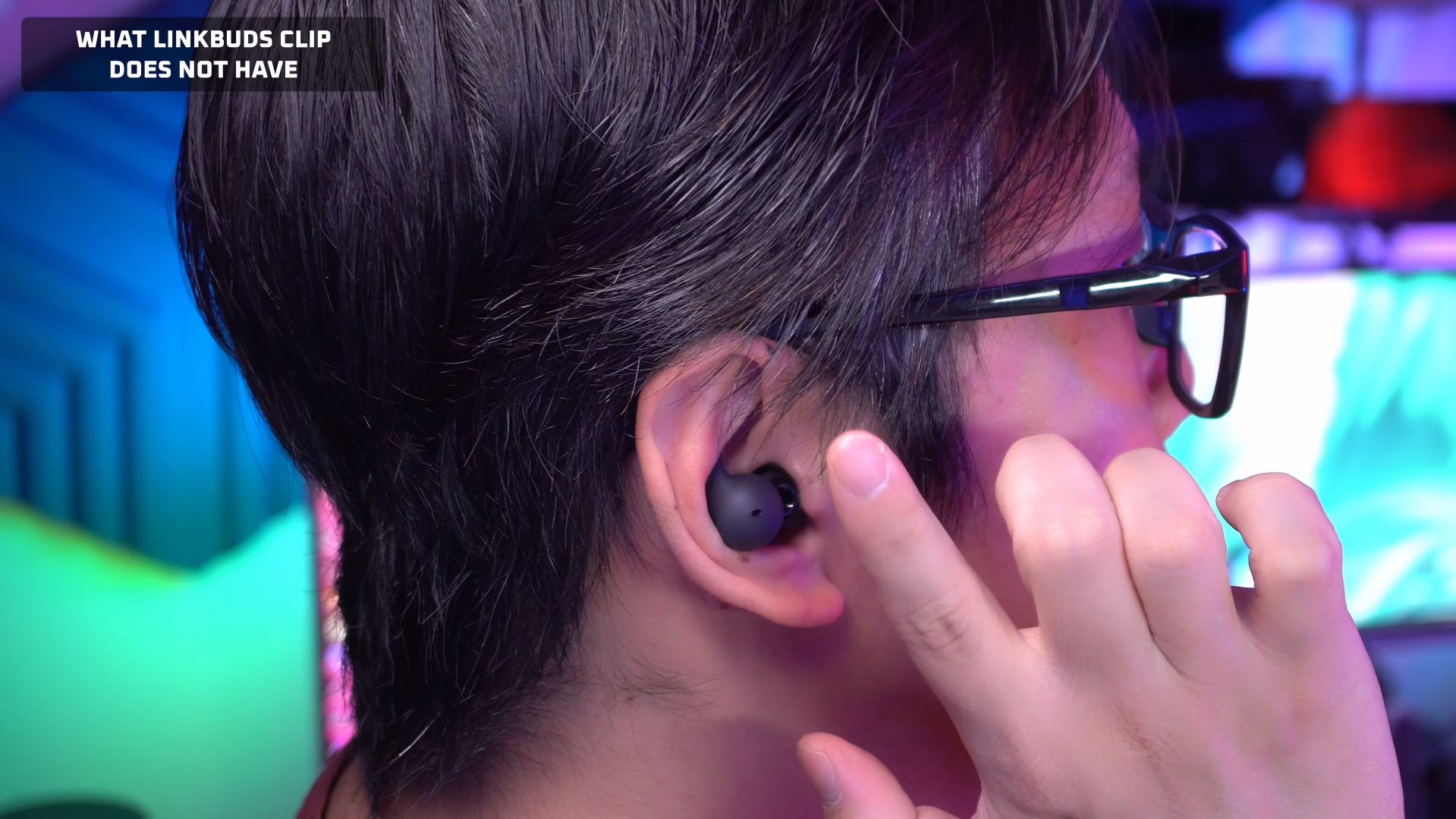
For the price, the Sony LinkBuds Clip isn’t exactly feature rich, even compared to the Sony LinkBuds Open, which is also open-fit, and launched at about the same price point. For example, the Clip lacks features like wide area touch (so you don’t have to touch the buds directly to control it, you can tap around the ears instead), it doesn’t have in-ear detection to auto-pause when you take the buds off, and it doesn’t have Background Music Effect. Background Music Effect converts the sound into something like spatial audio that simulates background music. The cafe mode is especially enjoyable for when I’m working, but I don’t get that on the LinkBuds Clip, among other features.
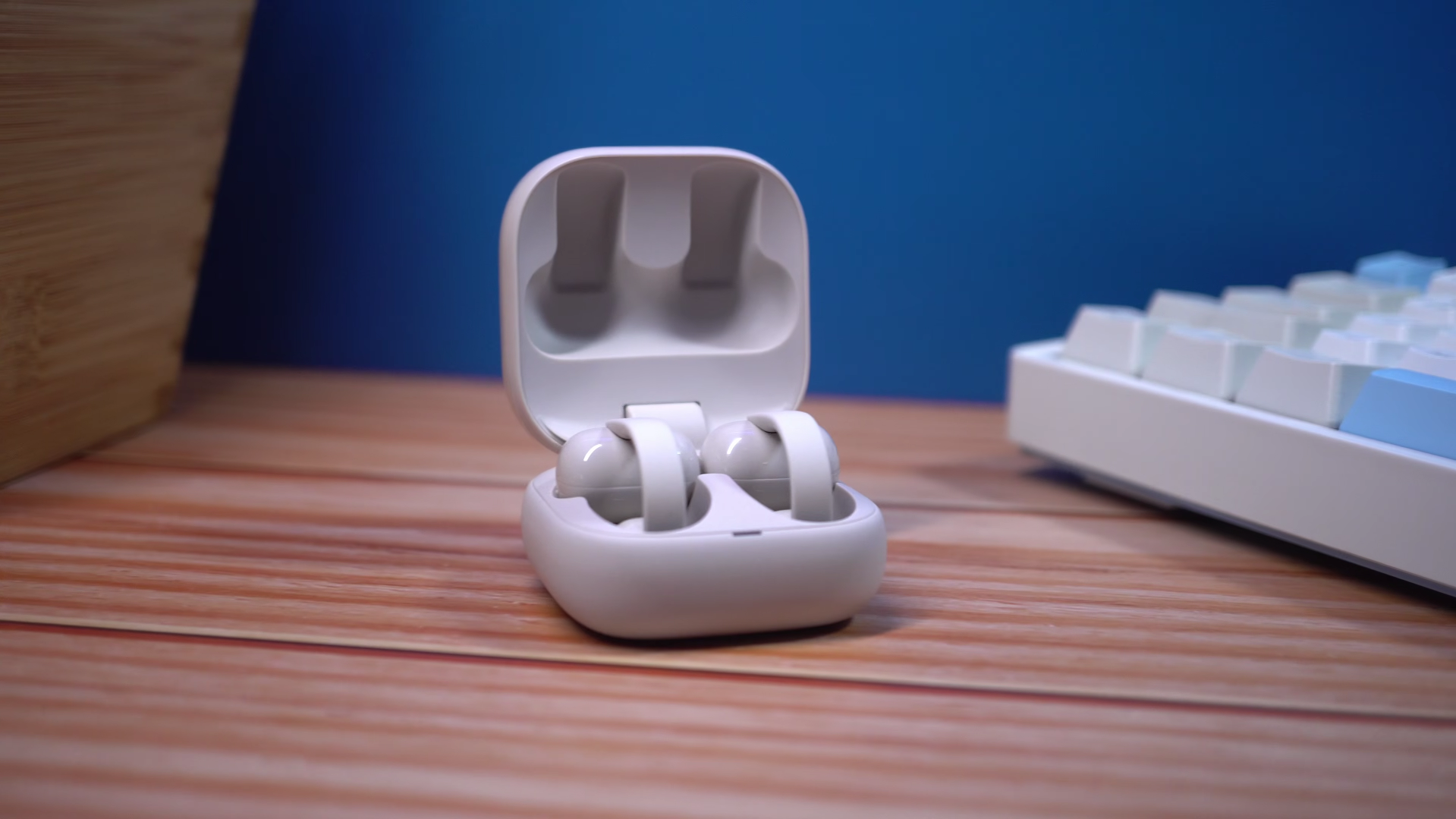

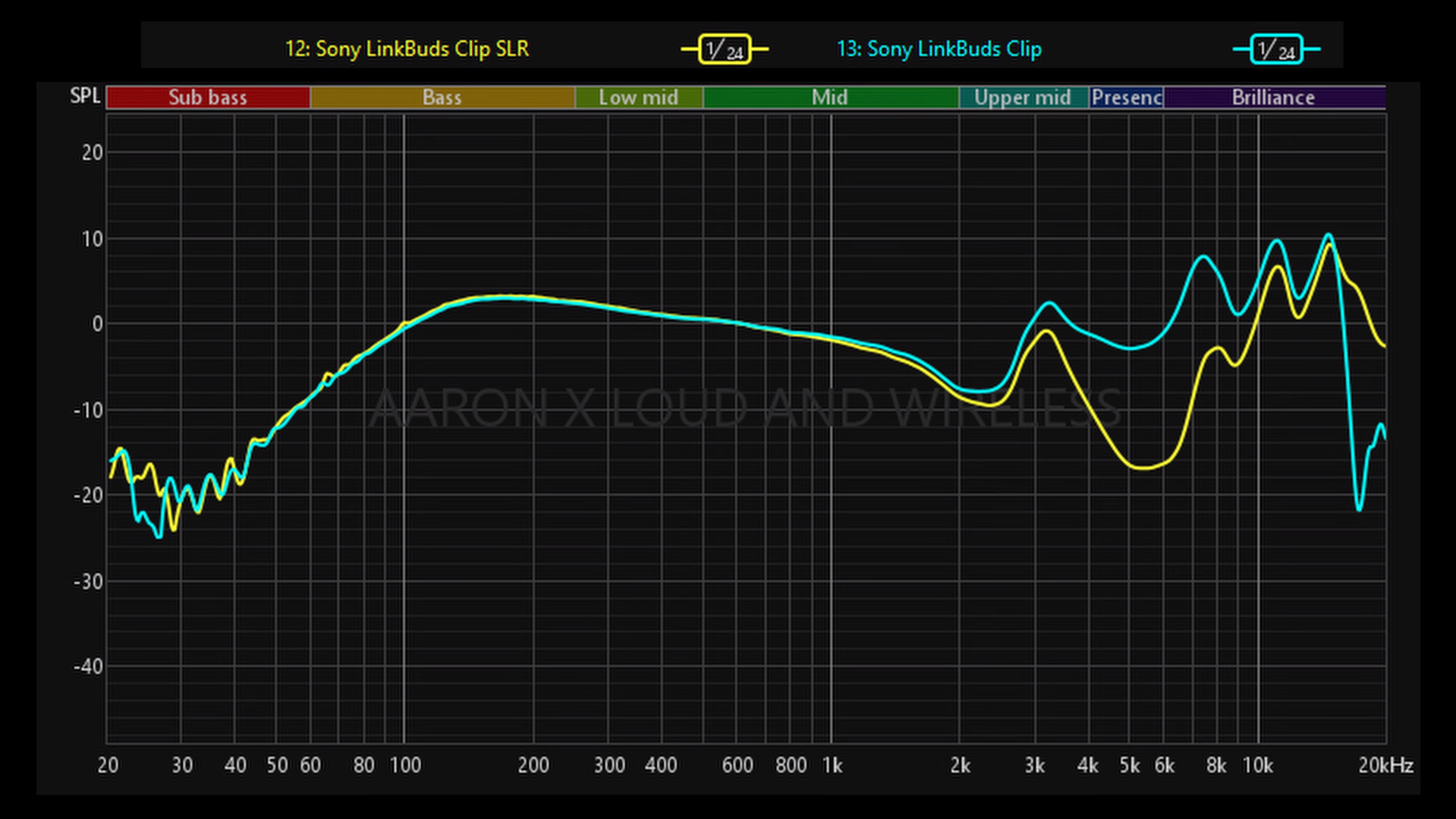
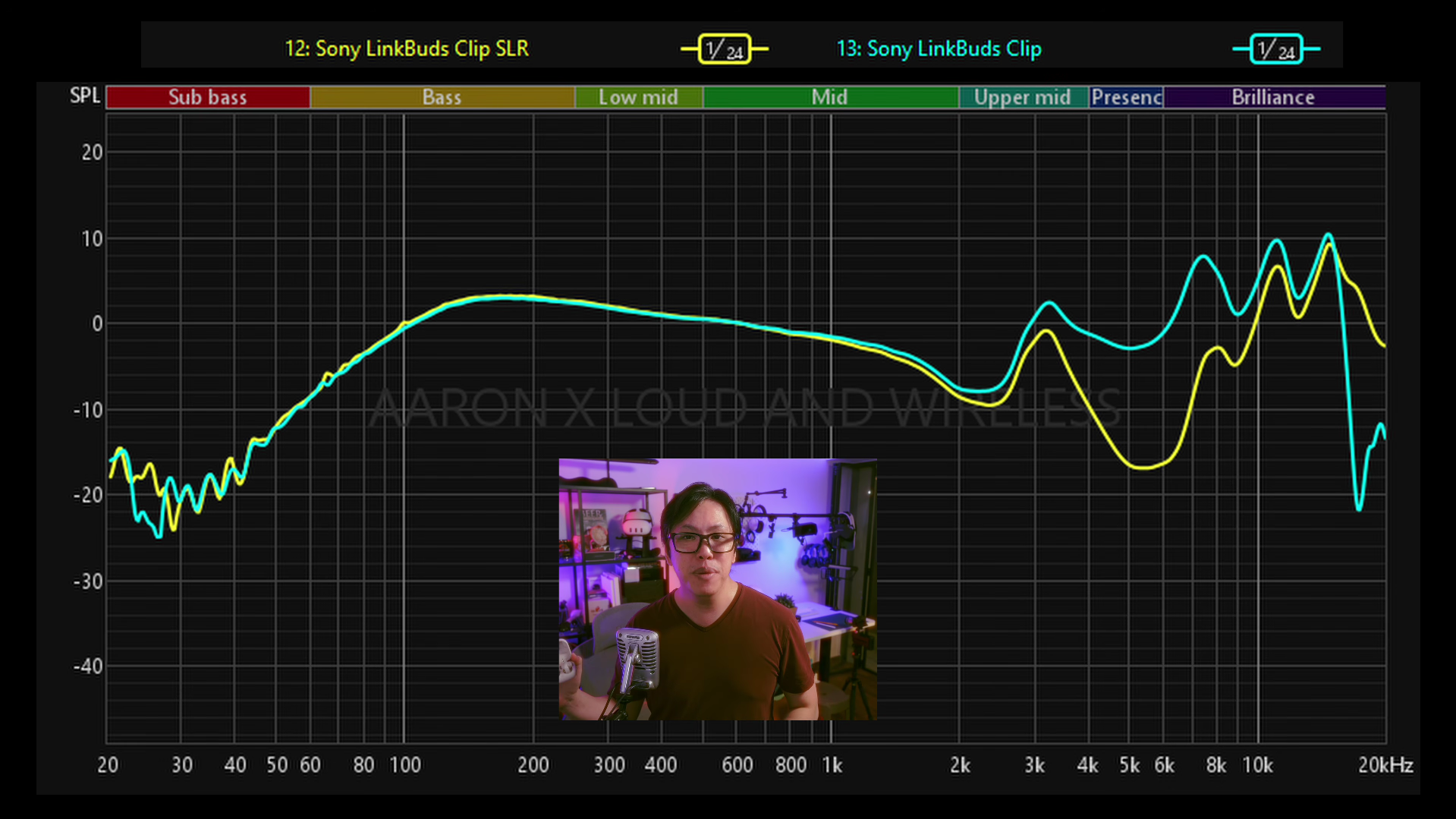
What it does have, however, is Sound Leakage Reduction mode. Now, it won’t completely mask what you’re listening to, but it basically brings down the upper mids and highs so that the people around you can’t hear much of it, as you can see in the measurement below.
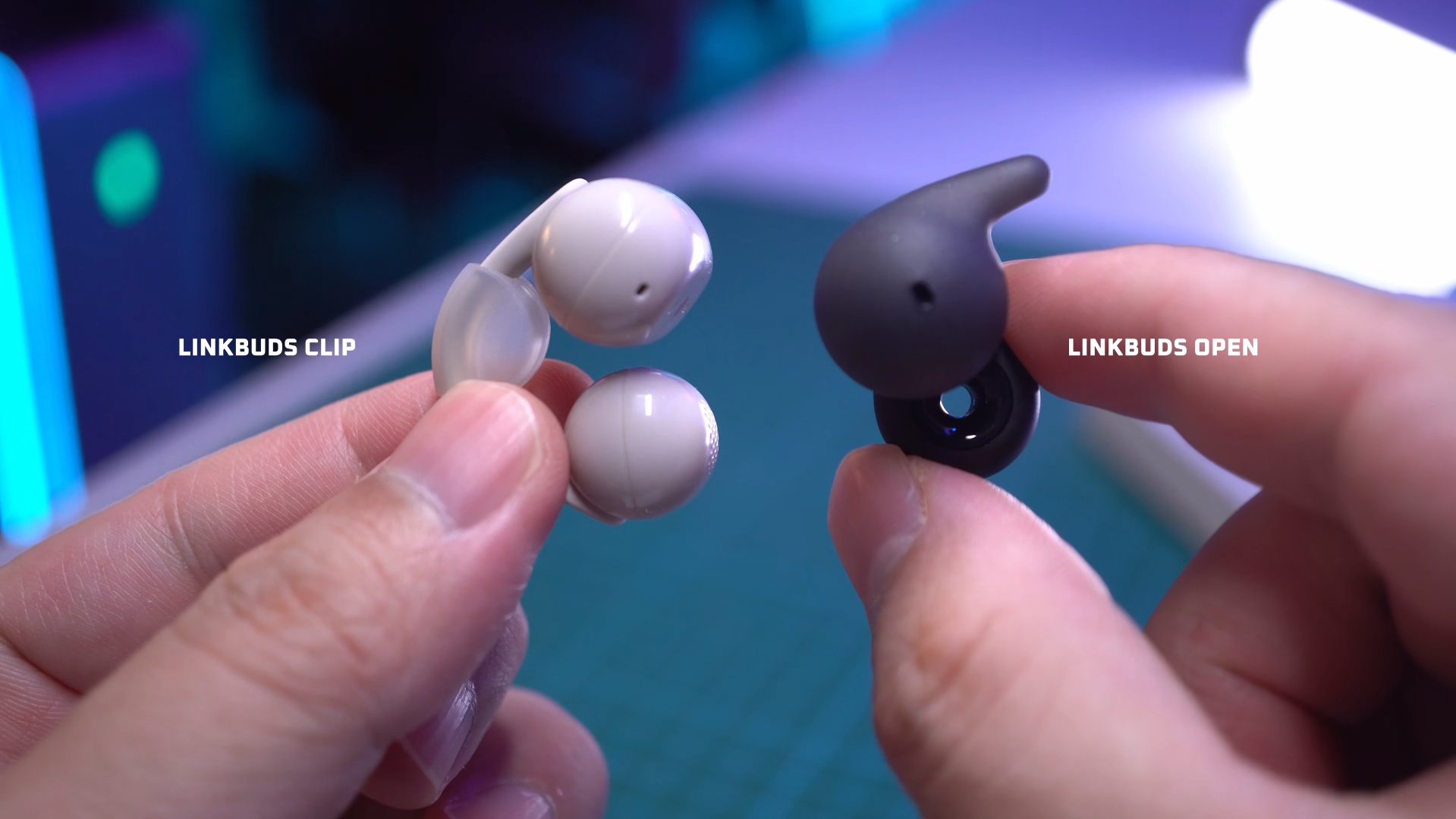
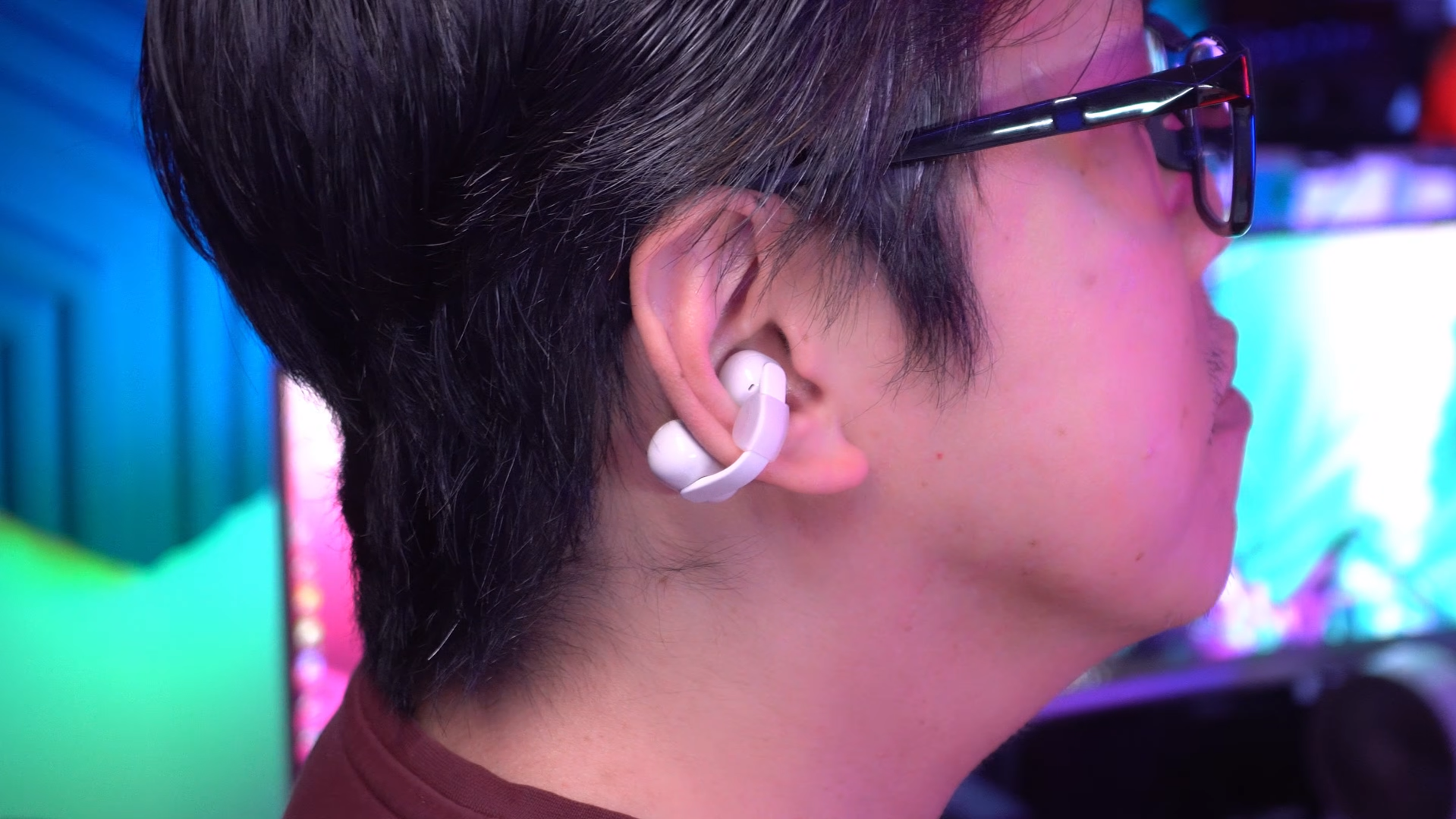
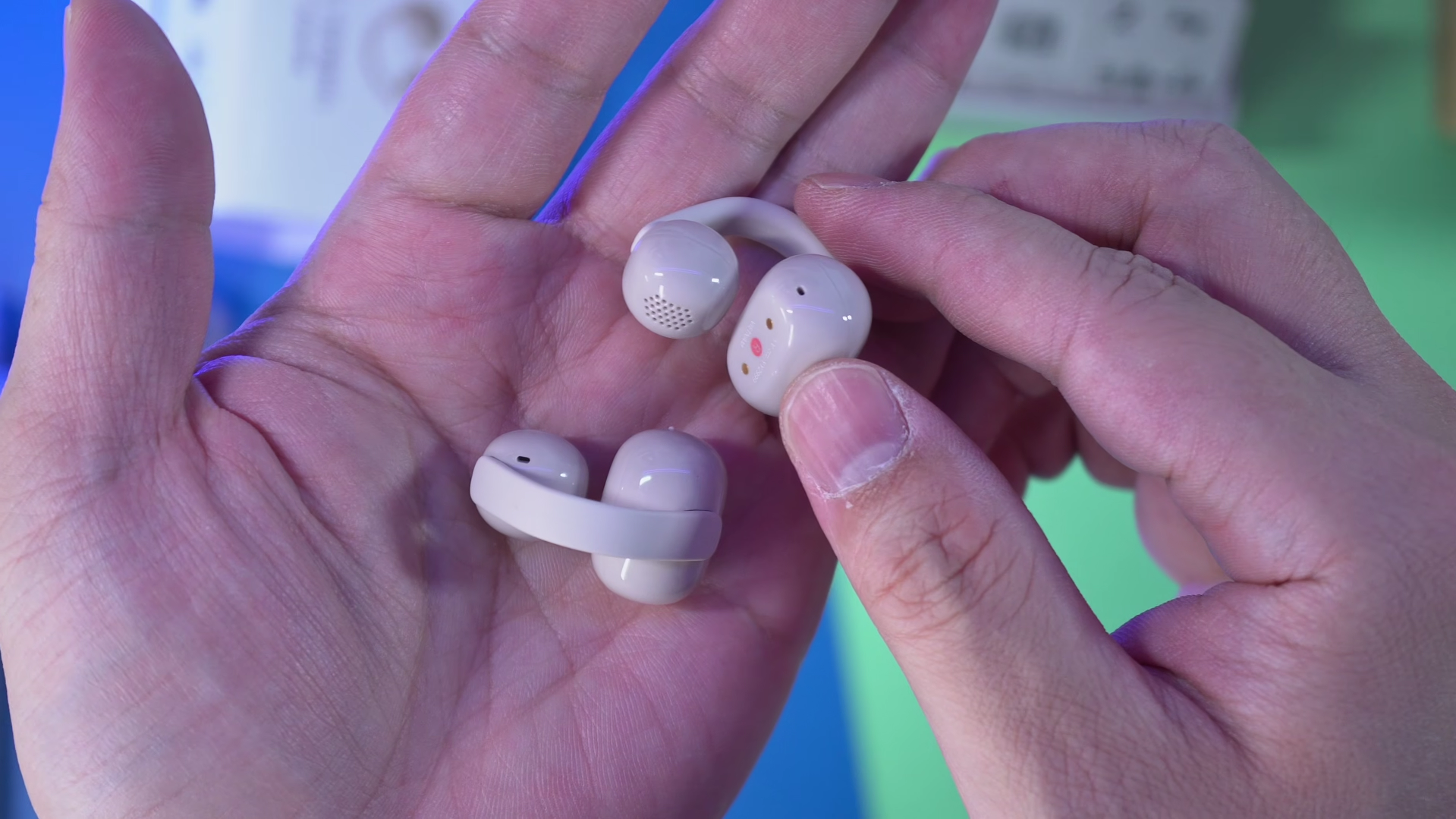
As for comfort and stability, I’m glad to report that these are pretty comfortable. Could wear them for hours and basically forget they’re there. And usually, it’s a bit of a problem for small ears because the clip is looser, so when you’re running, it flaps around. Not these ones, because they have these silicone pads you can attach to keep them snug and stable. They are definitely more comfortable than the LinkBuds Open, because the donut drivers do make my ears sore, even after a short while.
But does the LinkBuds Clip excel in terms of sound quality, volume and microphone pickup? Let’s find out.
Sound Quality
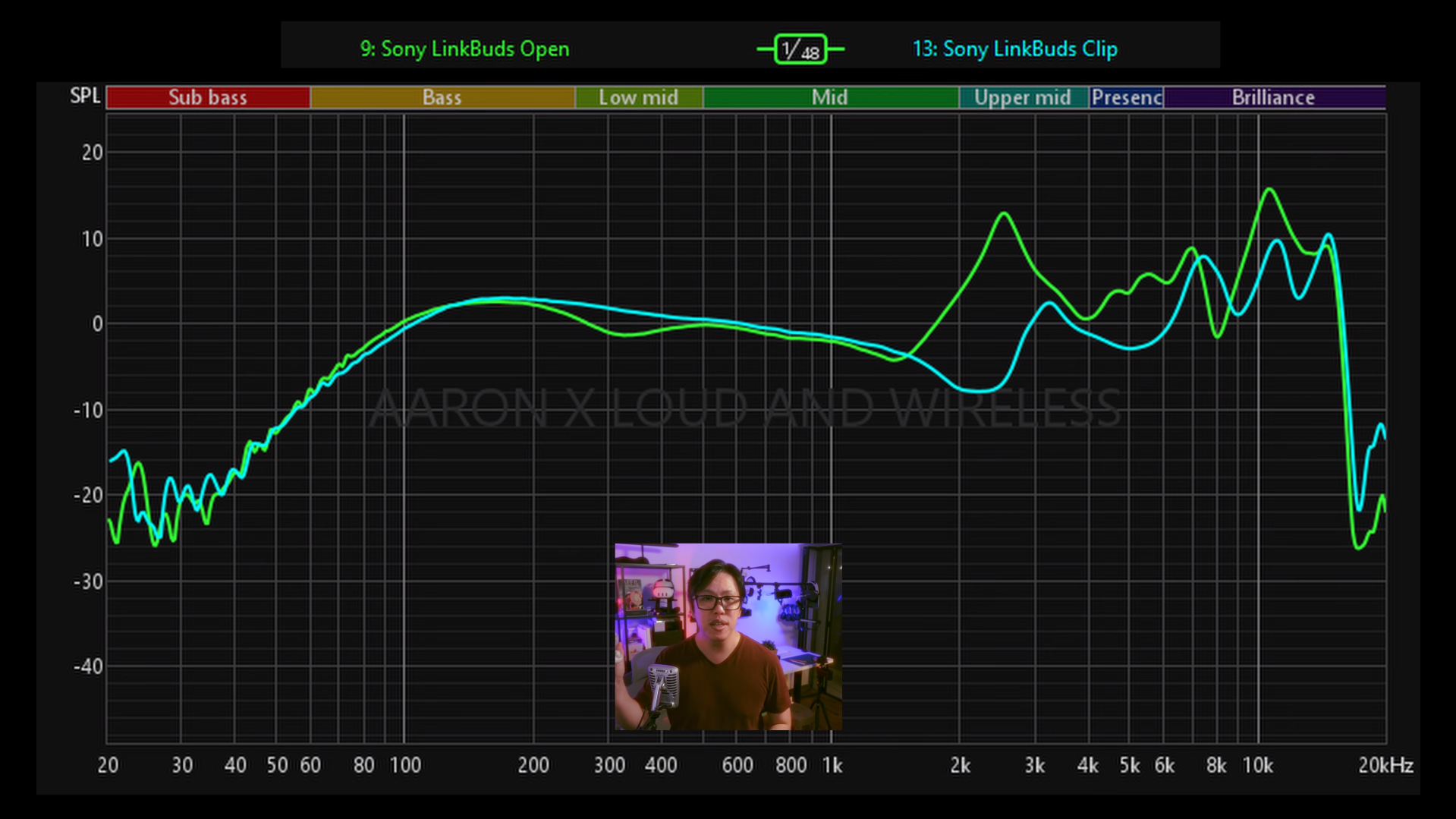
The LinkBuds Clip, by default, is going to lean more mid and treble heavy, but it does have a decent amount of upper bass. Soundstaging is more on the compact and intimate side, which is actually good for fast workout music. Putting them through my usual test tracks, they sound pretty great for vocals-centric music. Vocals sound clear, detailed and even a bit heavy in the lower mids.
But as someone who does like more than a little bass in his music, I didn’t get as much enjoyment with tracks that have bass drops or bass heavy elements, because there wasn’t much extension, and even maxing out the bass in the Sound Connect App’s manual EQ didn’t yield much texture or thump. It did increase the loudness of the upper bass, but there’s not much tactility.
Compared to the LinkBuds Open, I actually prefer the Open. It may be a little more sibilant by default, but it’s a closer, more intimate sound, and because the drivers are closer, I feel the bass a bit more. In terms of volume, it’s also a bit louder, by about 10 percent.
👉 Have a listen to the sound quality samples
Earlier I said that Sound Leakage Reduction brings down the upper mids and highs compared to Normal. Well, there’s another mode called Vocal Boost, and how it boosts the vocals is by drastically reducing bass and shaving off a bit of the highs. Needless to say, all 3 modes sound vastly different. This is what Vocal Boost and Sound Reduction mode sounds like compared to Normal mode on default EQ.
👉 Have a listen to the sound quality samples
As for volume, I didn’t have to max it out like most open-fit earbuds, and indoors, it’s loud enough at 70% volume. But in crowded places I did have to push it to 80 percent volume to hear my audio. Vocal Boost mode did help, but as you heard for yourself, it’s far from ideal in terms of sound quality. Furthermore, Vocal Boost and SLR just overrides whatever EQ setting you made on Normal, so I definitely prefer to stay in normal mode and keep my custom EQ settings. Speaking of EQ, there are only a few presets in the Sound Connect app, but you do get the same 10-band equalizer as the over-ear WH-1000XM6, so it’s very customizable.
Microphone Quality
Otherwise, Find My Equalizer also works very well, it’s pretty quick, easy, and accurate.
As for its microphone quality, they’re both comparable in the sense that in noisy conditions, the noise reduction algorithm is the same, with aggressive noise gating that cuts a bit into my own voice. The main difference, though, is in terms of volume. My voice through the LinkBuds Clip is much louder, more legible than the Open. So instead of a Rank C, I would give it a Rank B in my microphone quality rankings.
👉 Have a listen to the mic quality samples
Signal Issue
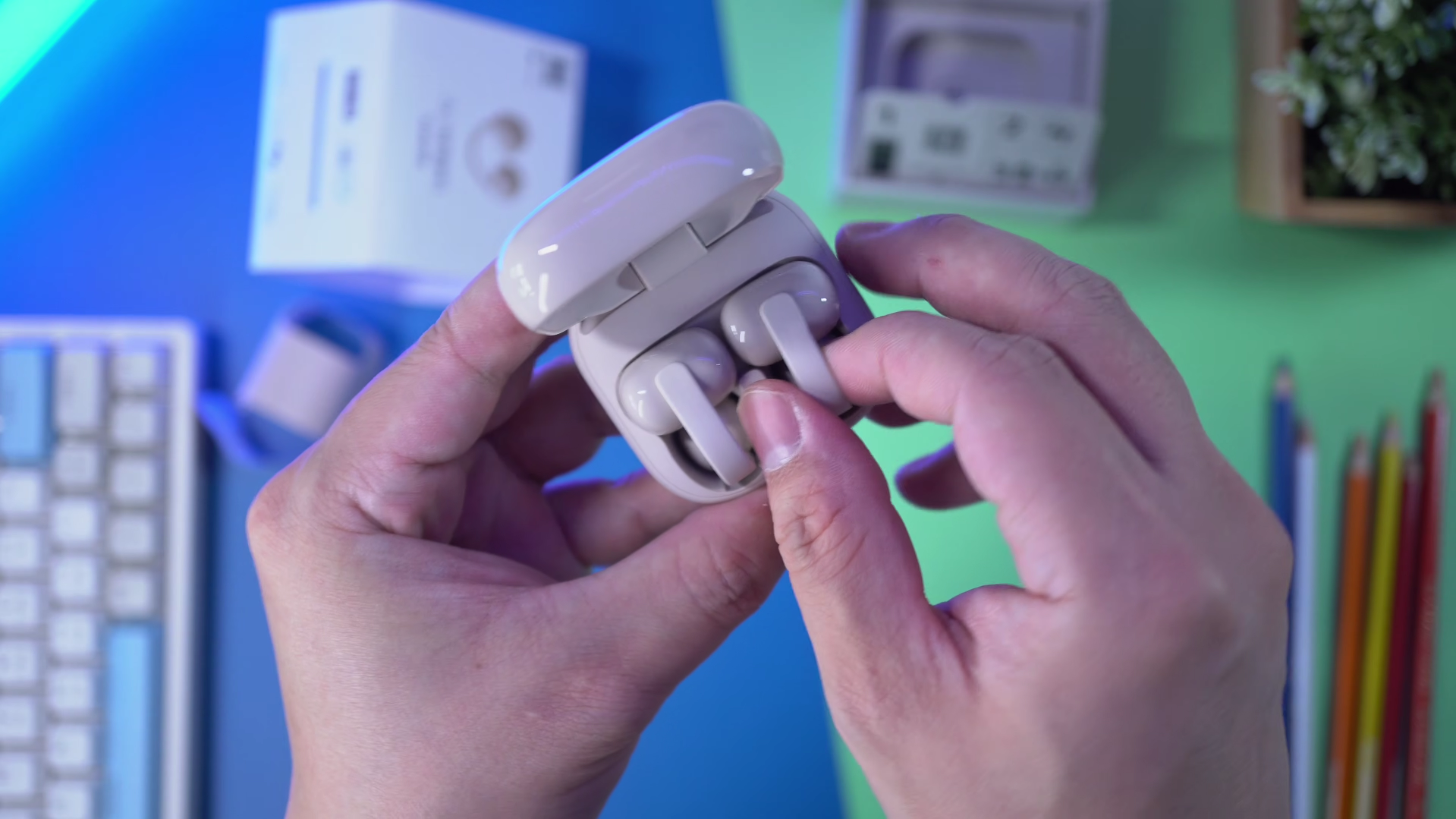
I happen to think that the LinkBuds Clip is a fantastic product specifically if you’re in the market for open-fit earbuds from Sony. It’s simple and straightforward, not many bells and whistles, and it secures far better than the LinkBuds Open, and has better microphones for calls. That said, I do prefer the Open’s sound, plus I did also face some issues with the Clip’s multipoint connection.
As we all know, on all Sony earbuds, we can prioritize sound quality or connection stability, but it’s only on the LinkBuds Clip that when I’m on Prioritize Sound Quality, multipoint pairing is weird. Now I’m not talking about signal drops, but device switching is almost impossible. I tried to pause music on one device and play on the other but it didn't work. It does work on Stability priority mode though, so maybe it’s a bug that I hope Sony can fix. But I don’t hate it.
Conclusion
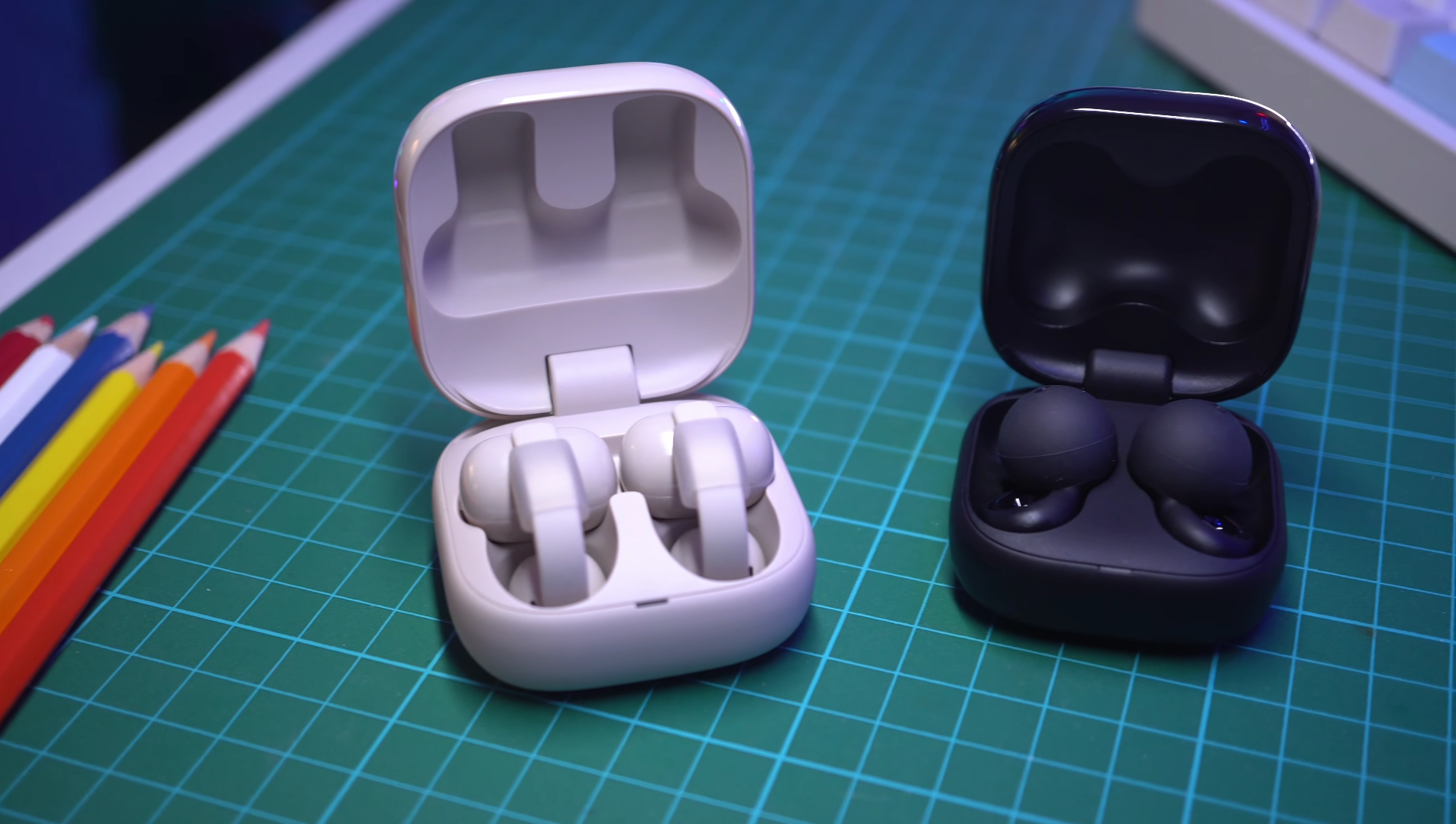
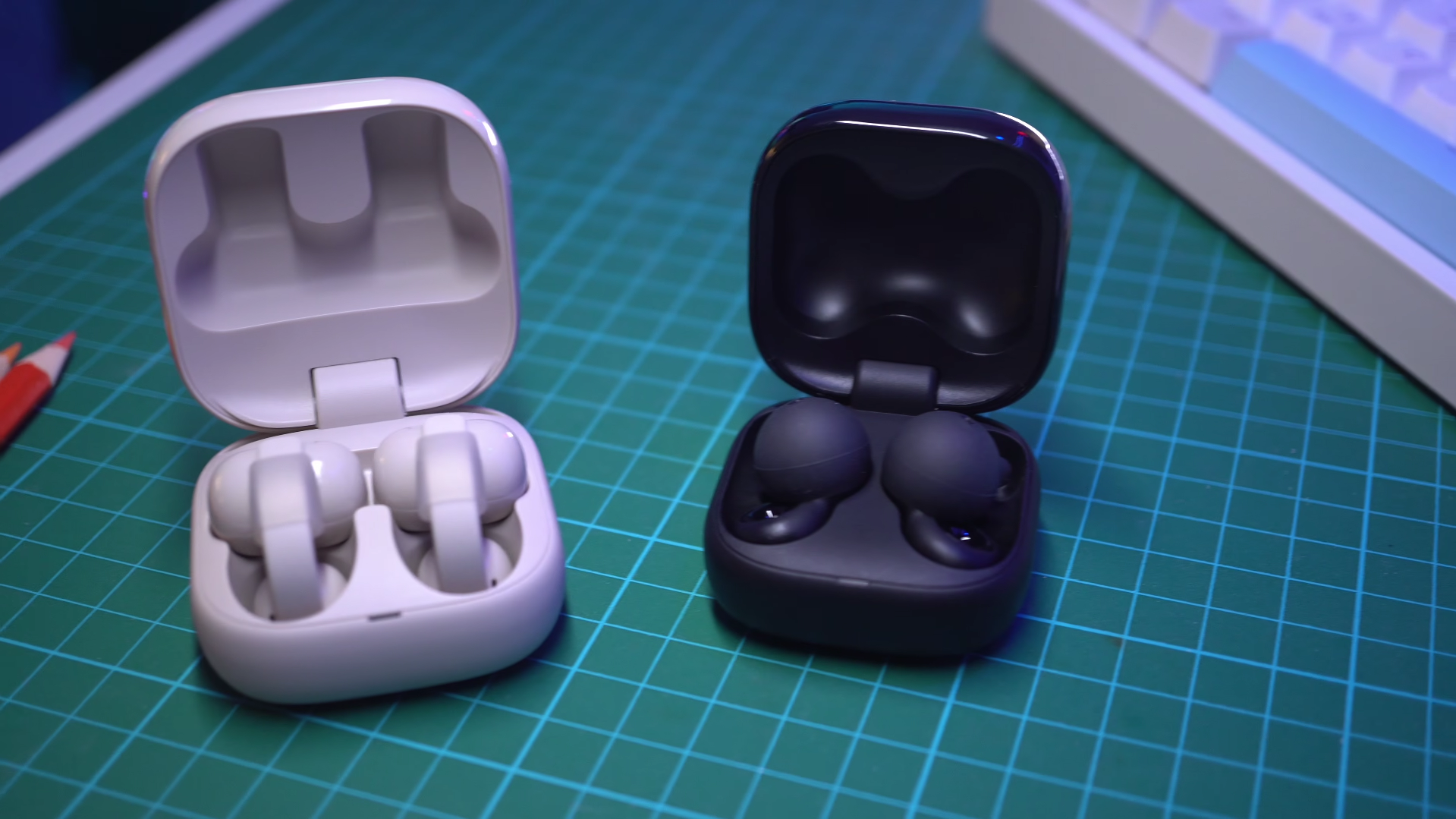
The LinkBuds Clip is a viable alternative for people who prefer a comfortable, stable open-fit that actually sounds decent. But for something which is, yes, a little less comfortable in the ear, but has a slightly louder, richer output and even more features, a little more portable because of the smaller case, the LinkBuds Open is a great alternative. Plus, you can often find them at a significant discount.
Check Latest Prices:
Sony LinkBuds Clip - https://amzn.to/4r0GUtL
Sony LinkBuds Open - https://amzn.to/4r8mgrS
Affiliate Links
When you make a purchase through the Affiliate Links here, I earn a small cut for the sale at no cost to you, and this helps the channel out in a big way. Thank you for your support!
