
ENDGAME? 🤔 Razer Hammerhead V3 Hyperspeed Review (THX 7.1)
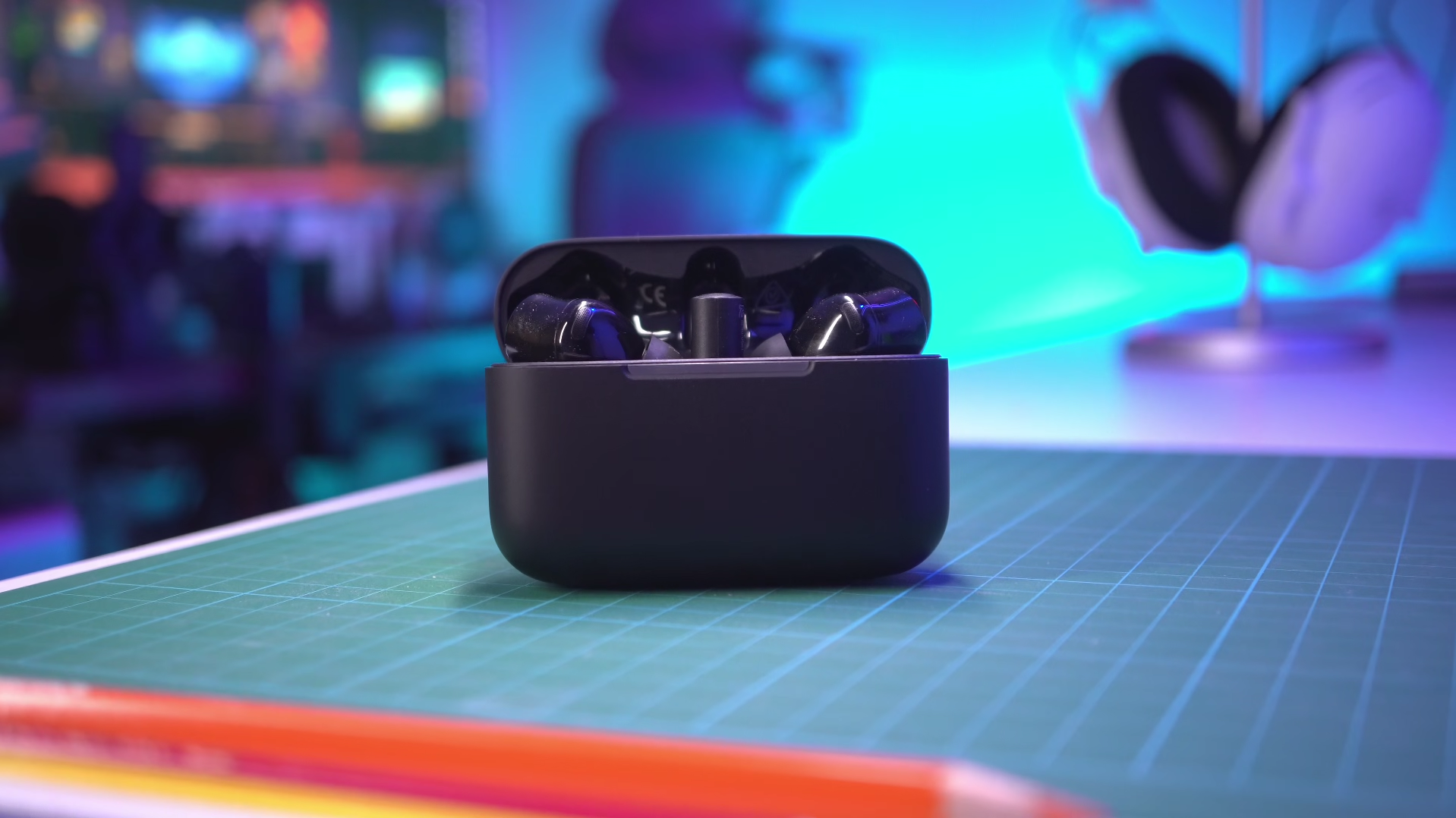
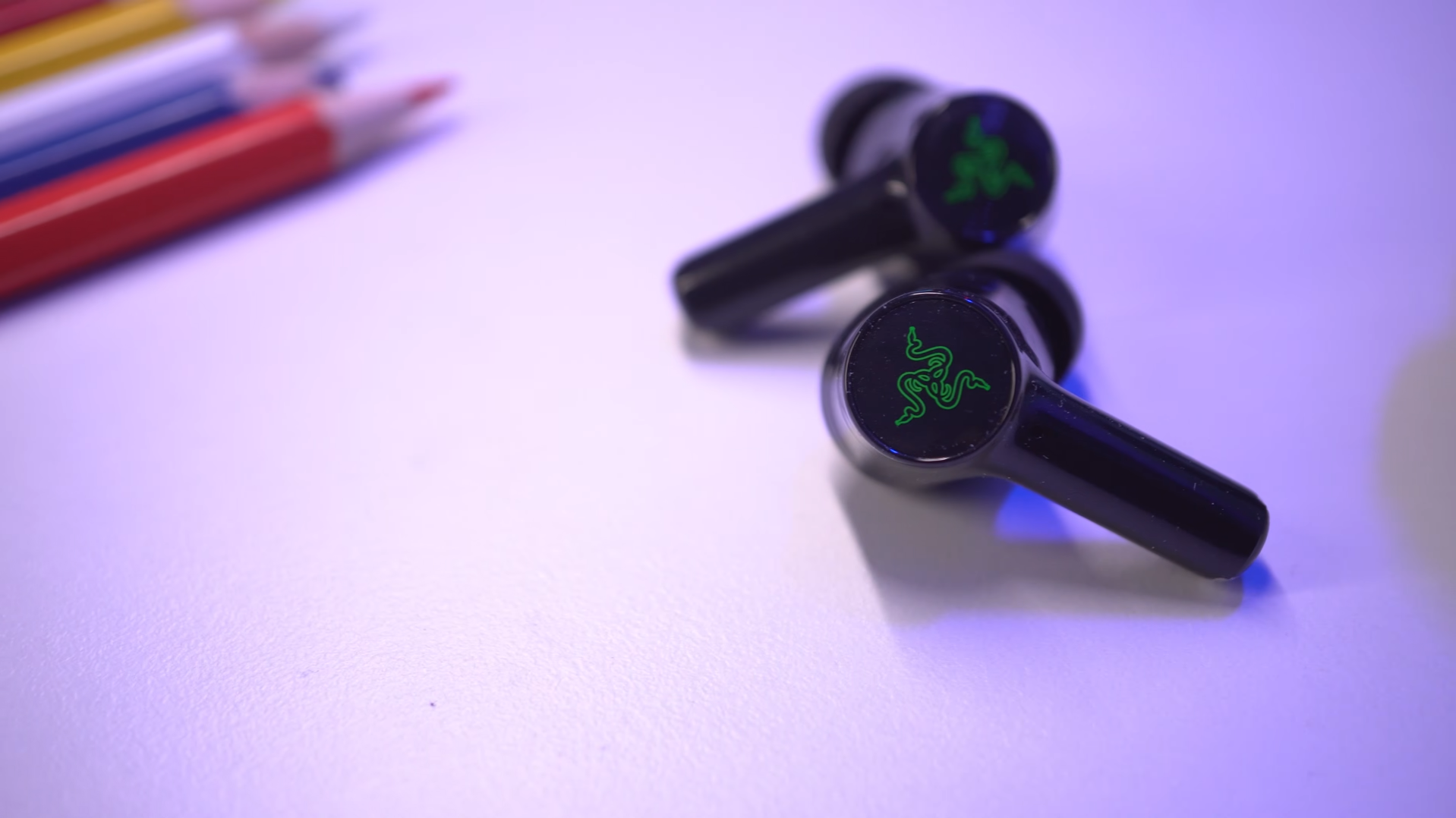
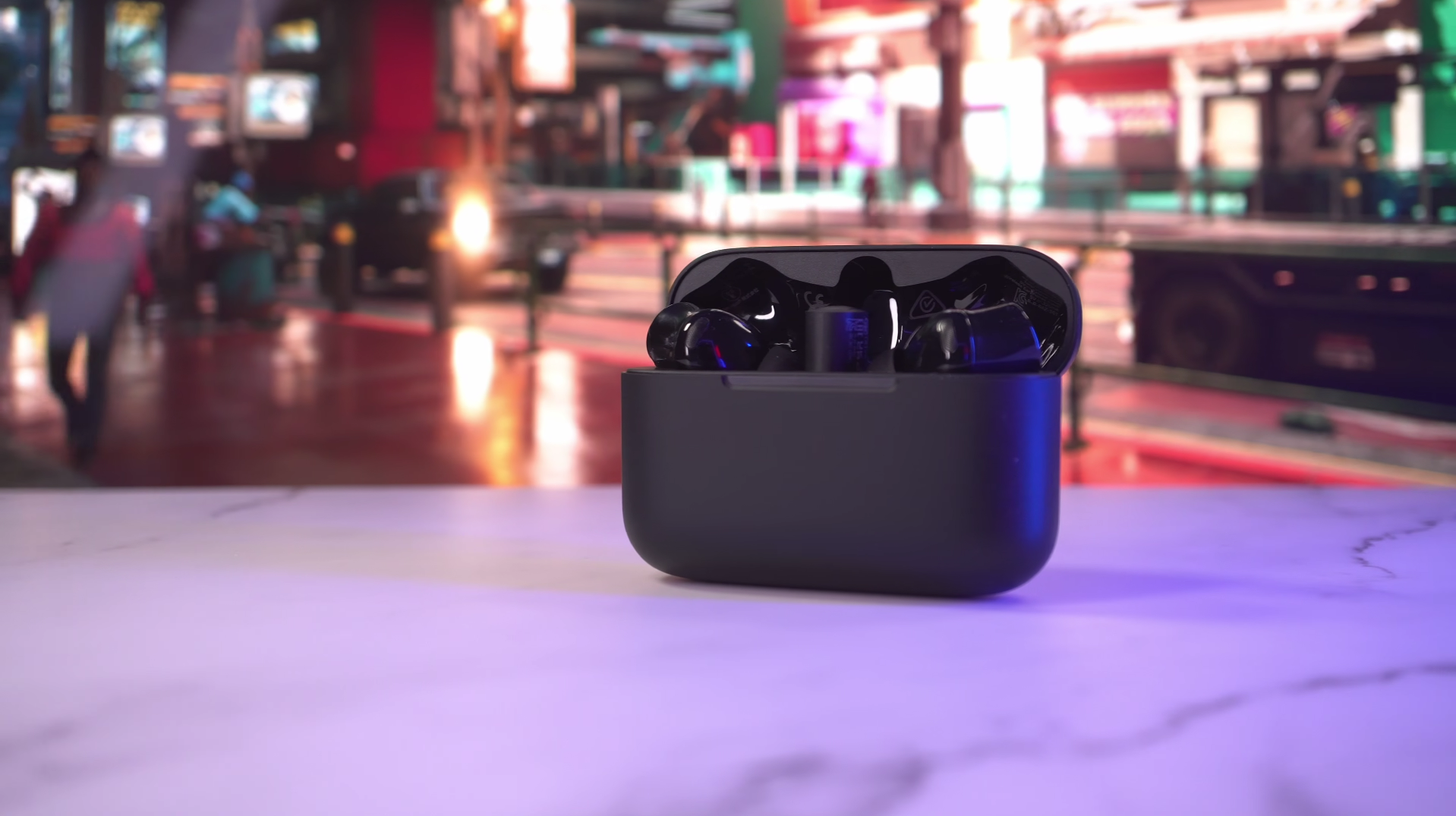
Gamers! Today we’re going to look at the Razer Hammerhead Hyperspeed V3. Its main emphasis is on super low latency with its 2.4Ghz dongle, and as I’m gaming with them I definitely cannot sense any latency issues.
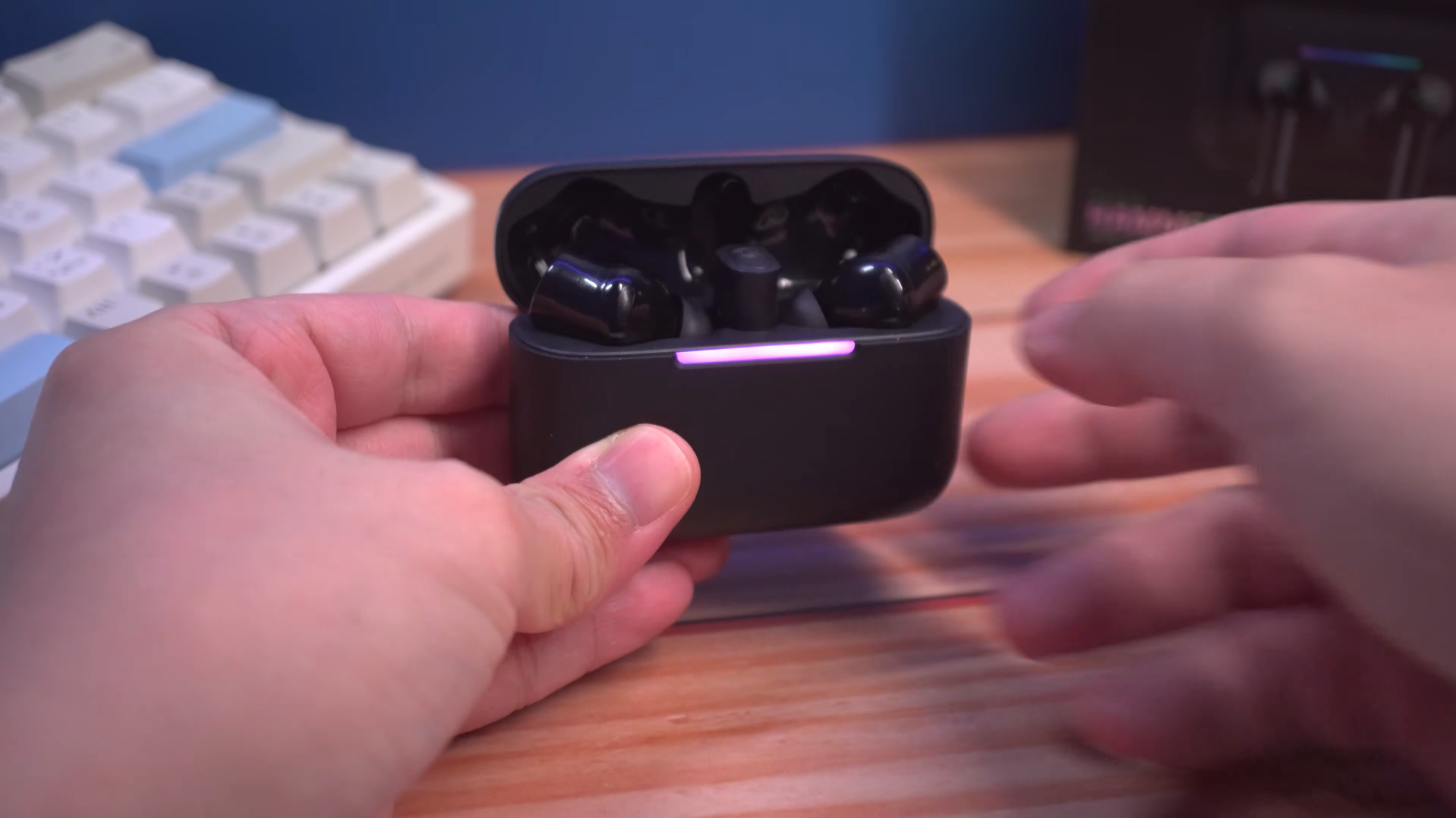
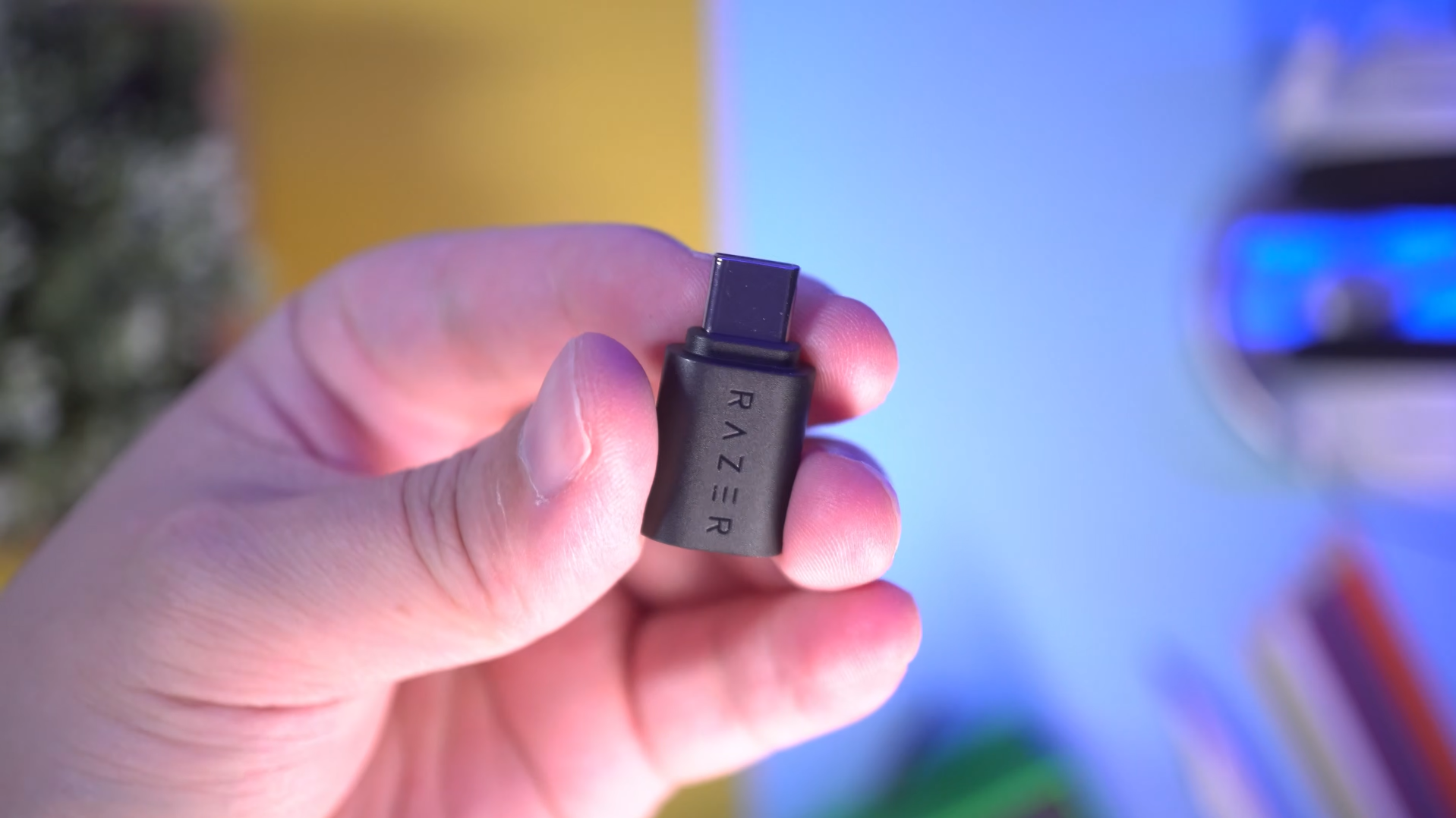
With Bluetooth, the syncing is a bit off, but with the dongle the syncing is very tight, it almost feels like I’m using wired headphones. You can connect just the dongle, or leave the dongle in the case and connect the case to the PC or PS5. This way, it charges at the same time. That said, it’s not perfect. There’s lots to talk about like their performance, their microphones for voice chat, ANC and sound quality. So buckle up!
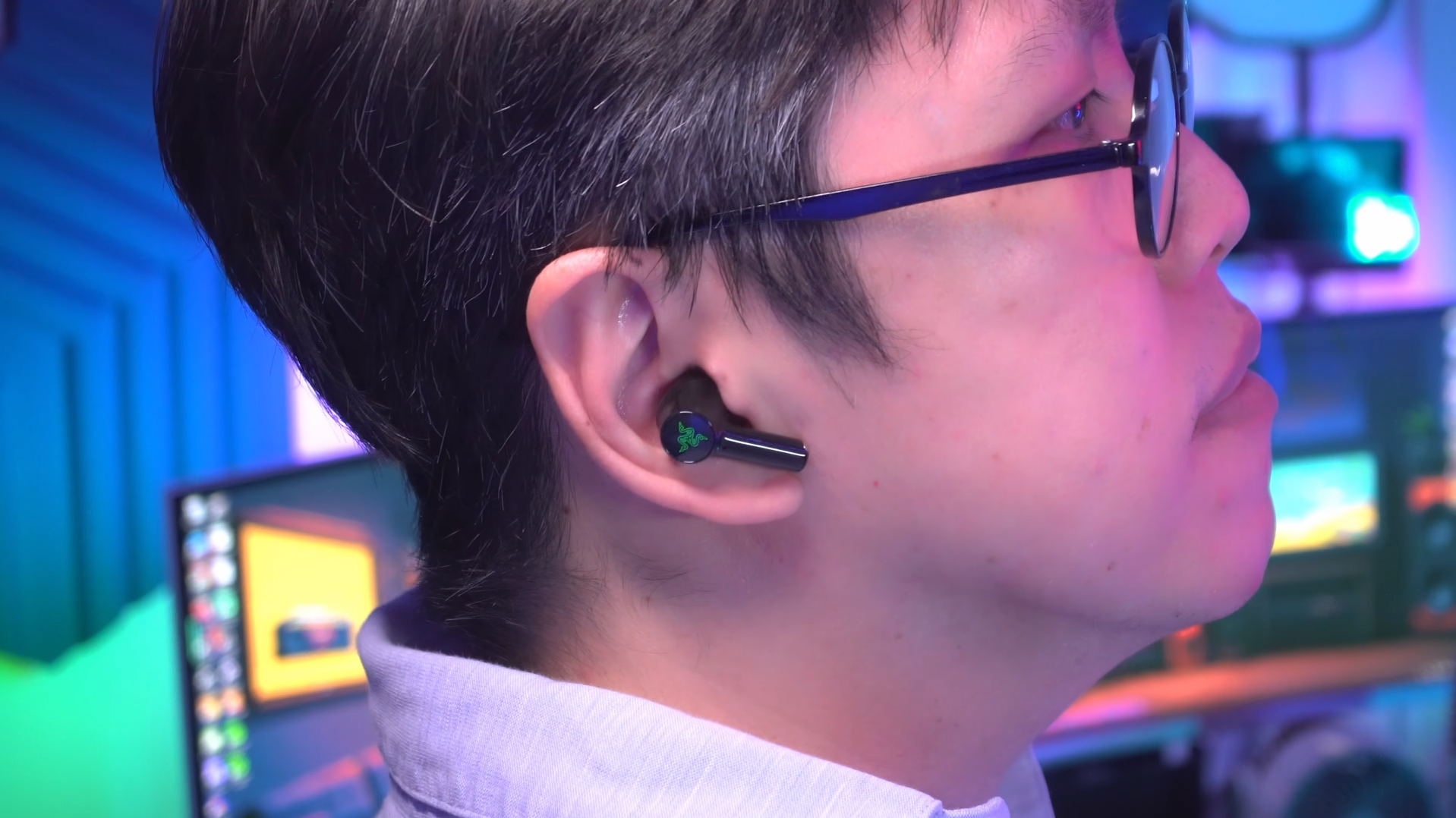
Microphone Quality
Their microphone quality is pretty decent for earbuds. Voice pickup isn’t amplified that loudly but otherwise they don’t sound too robotic. Now, when you’re gaming with voice chat, you’ll want to do it with the wireless dongle because the voice pickup is cleaner, and the game audio stays perfect. On Bluetooth it just kicks the earbuds into HFP mode (Hands Free Protocol), and the audio gets wrecked. Click link below to listen to the what its microphone sounds like while gaming.
👉🏻 Have a listen to the mic quality samples
Active Noise Cancelling
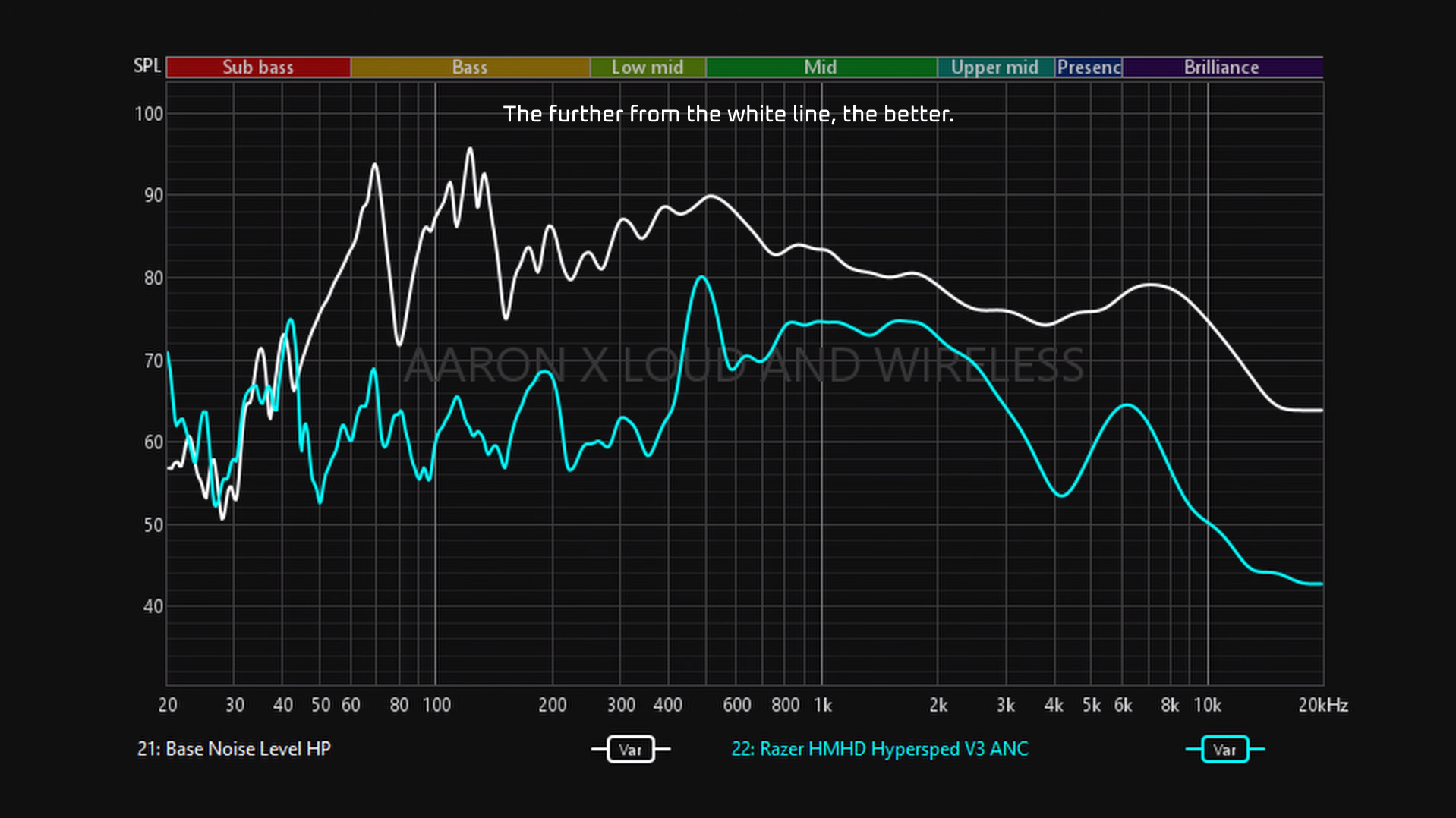
Their active noise canceling does perform rather well at reducing the lower frequencies, so if your computer fan’s noisy, or you are gaming in a cafe, much of that noise will be reduced. They’re a little less effective at canceling human chatter because the ANC seems a bit weak in the 1-2 Khz region, but you’re still going to get enough silence to focus on your music, videos and gaming.
👉🏻 Have a listen to the ANC quality samples
Transparency Mode
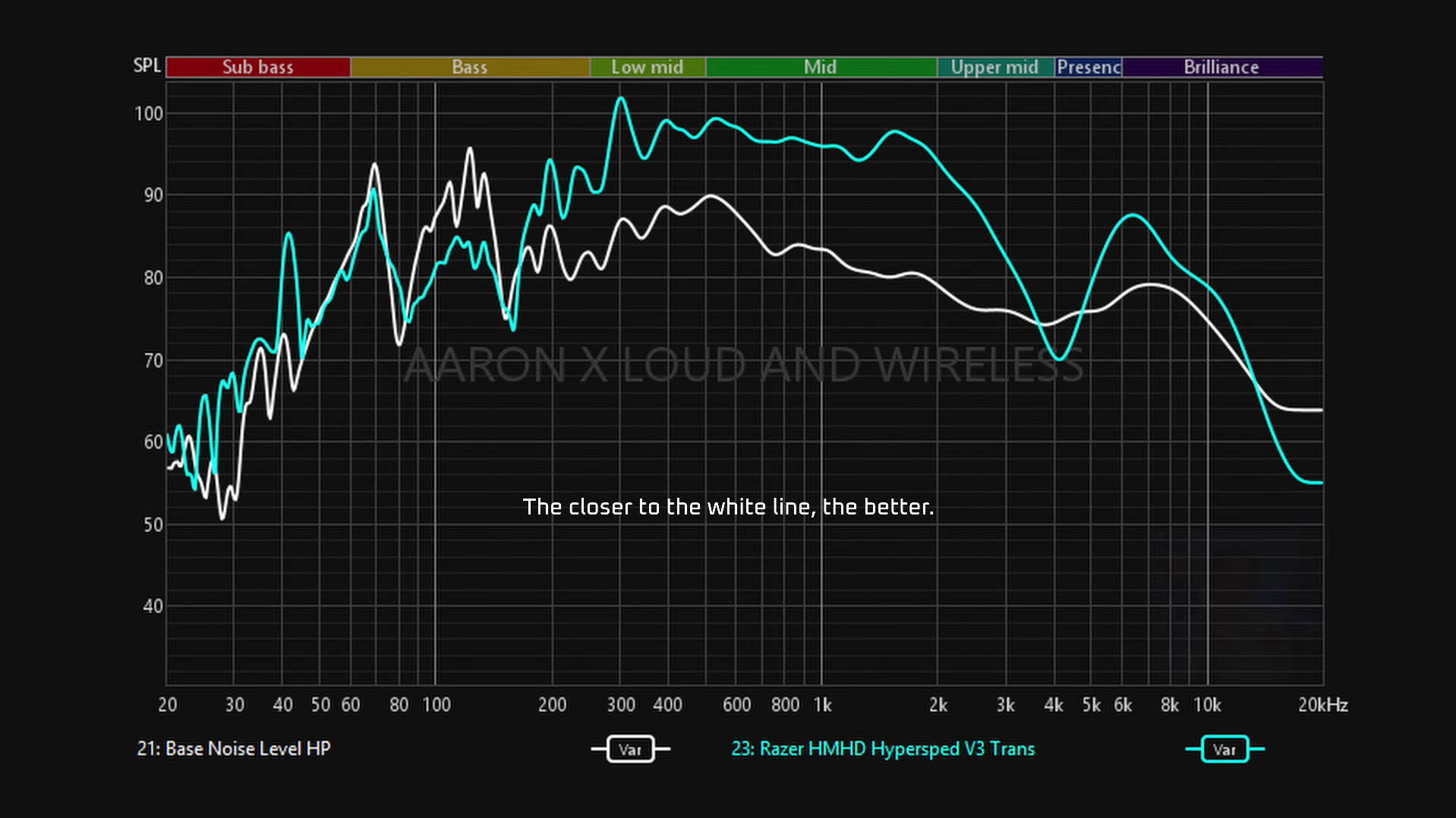
Their transparency mode feels bright and clear, passing through and amplifying ambient sounds both near and far which makes them great for quick awareness and face to face conversations. But it’s too loud, so instead of feeling like you’re not wearing earbuds, it’s a louder, amplified version of your surroundings. You can actually see it in this frequency sweep. Notice how much louder its ambient mode is compared to the base noise level represented by the white line.
Sound Quality
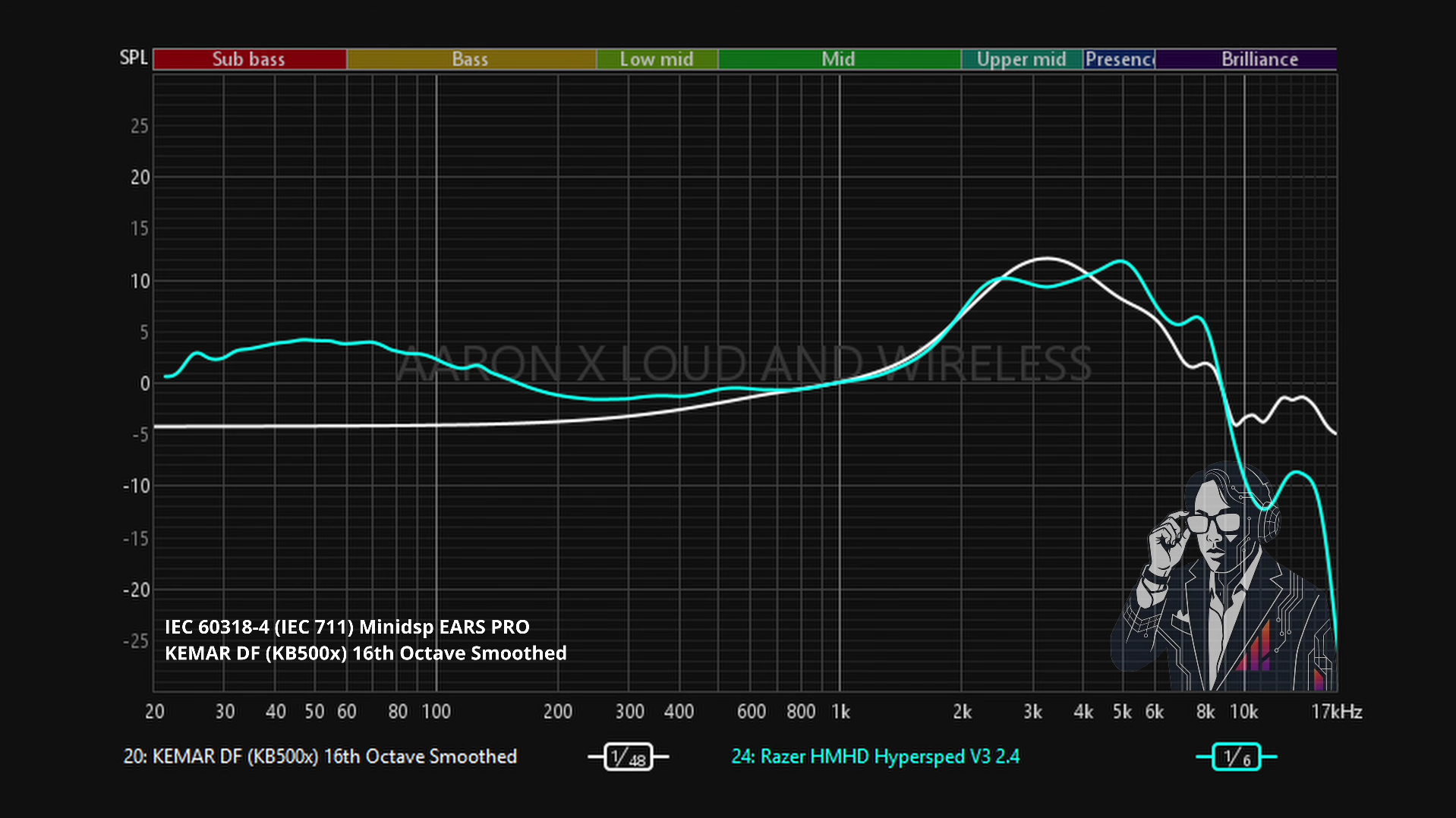
In terms of sound quality on their default setting, I would describe them as leaning a brighter in the upper mids, and they’re got a pretty relaxed signature, as in their soundstaging’s a bit more laid back than most earbuds. And they’re actually quite relaxed in the bass. You do get that rumble, but to me it sounds pretty lean by default. Dynamic range is a little on the high side so the subtle details can be heard.
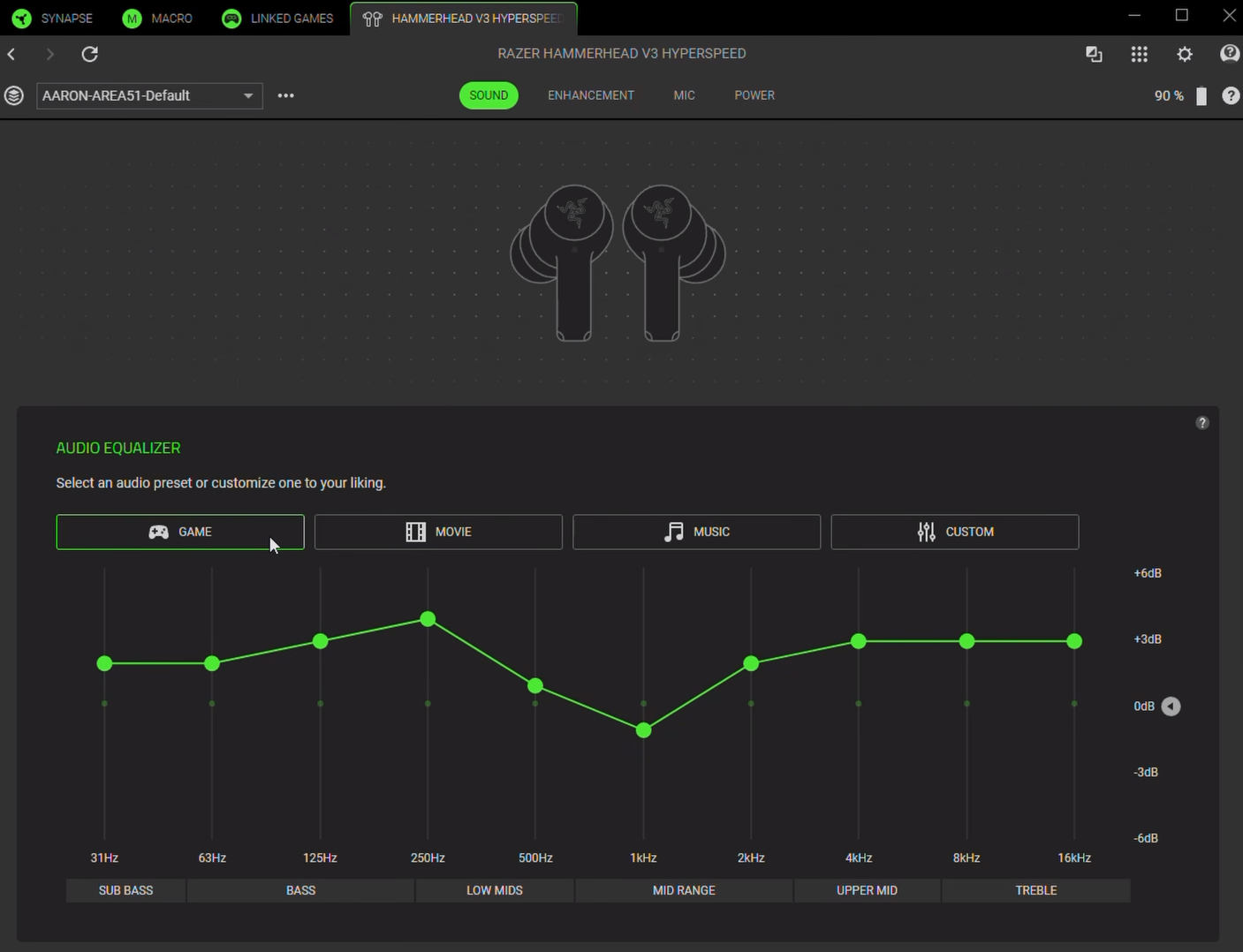
And that is in its default ‘Music’ Mode. The ‘Game’ tuning makes it sound even more enjoyable, more heavy in the bass, and the dynamic range gets a boost, making it sound richer and more exciting. Now, if you’re wondering whether it sounds different over 2.4Ghz versus Bluetooth, even if frequency sweeps show a little more brightness in the treble compared to Bluetooth, it’s just a little cleaner over 2.4, but not much of a difference.
👉🏻 Have a listen to the sound quality samples
THX Sound On PC Device
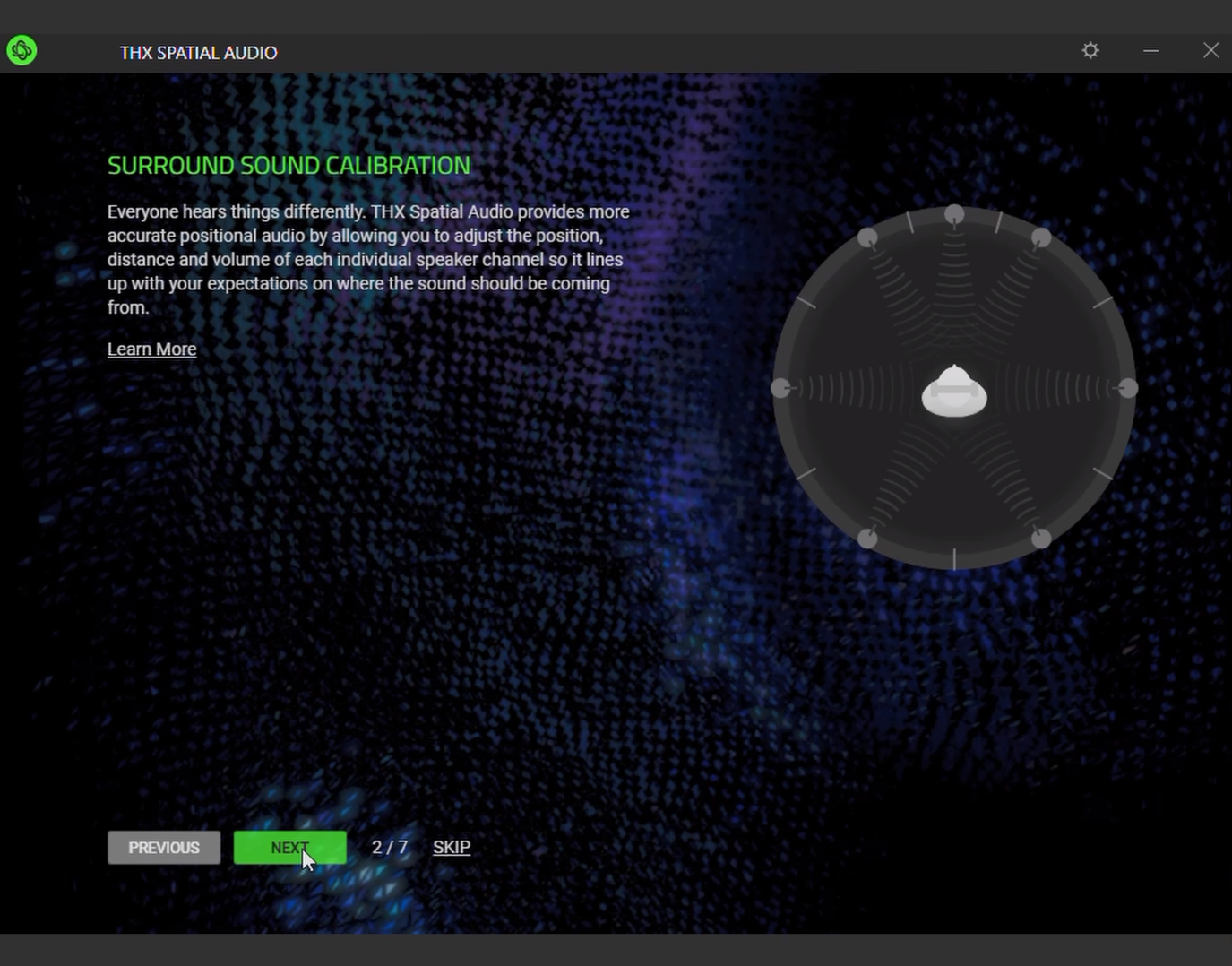
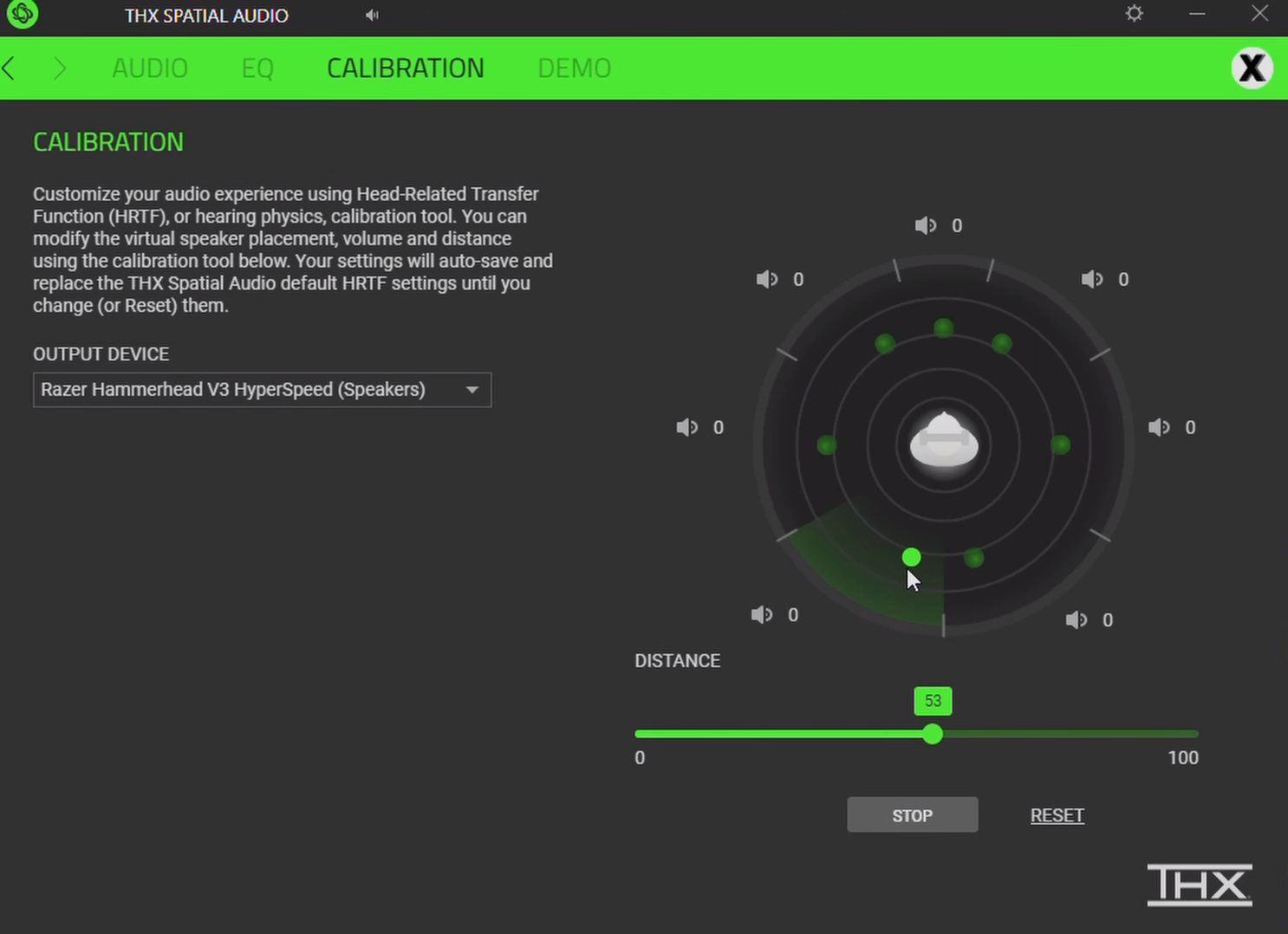
If you’re gaming on Windows, I recommend using THX 7.1 with the Hyperspeed. It’s spatial audio that works with any headphones, and although Razer sells THX for USD 20, with these earbuds you just have to download the Razer Synapse app, and it will give you a free activation code.
And wow it makes a huge difference! The soundscape’s richer, object placement and tracking is more accurate, and you can even customize the channels to make all 7 surround channels more accurate. Here’s what it sounds like on the Hyperspeed V3. 👉🏻 Have a listen to the THX sound quality samples
THX Sound On Mobile Device
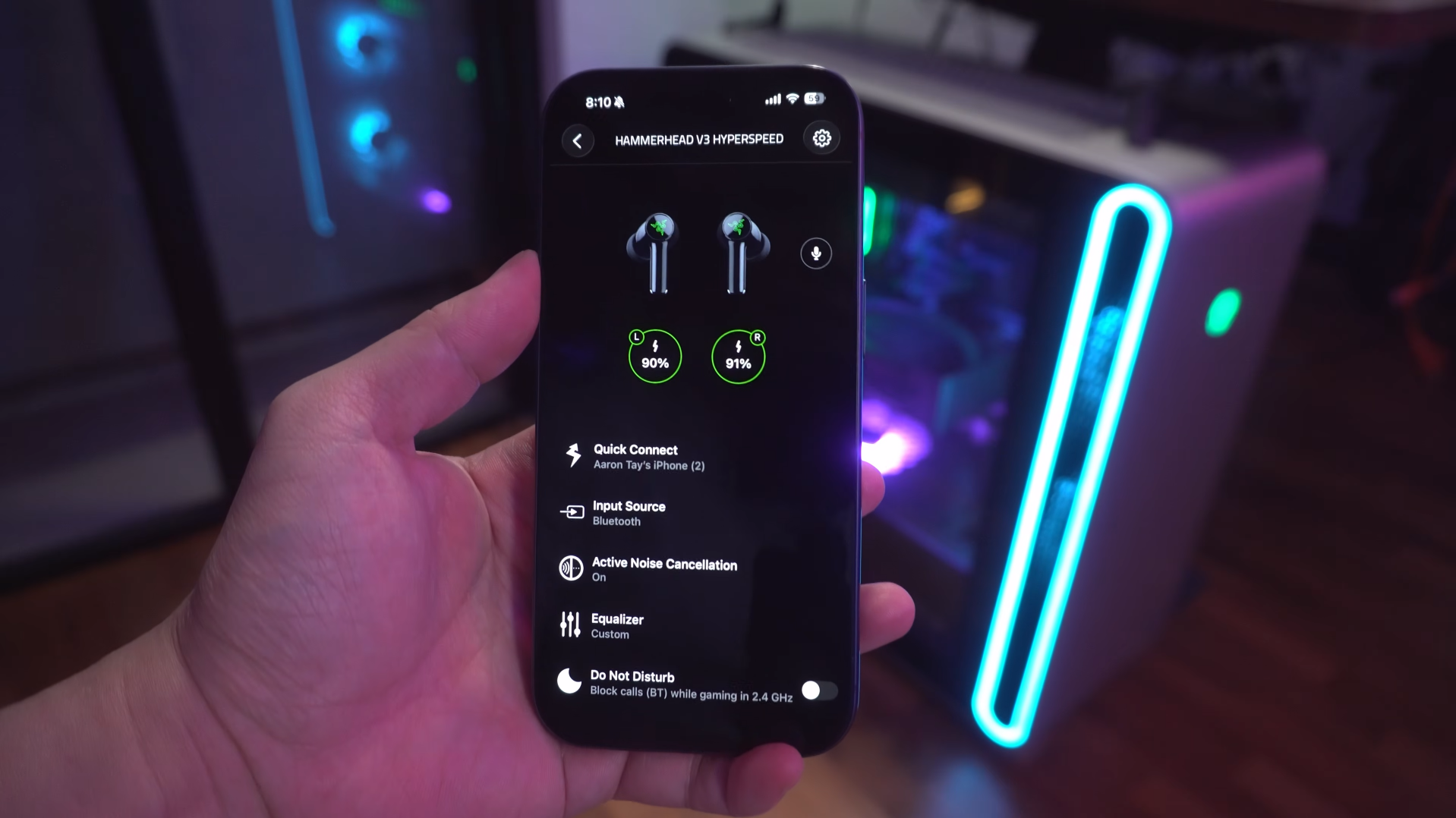
On PC and mobile, we get the Razer Audio app where you can customize its sound with presets or a 10-band graphic EQ, as well as other settings. The controls are not customizable, and since there are only tap gestures, you don’t get volume controls on the earbuds.
Tapping three times on the earbuds does let you toggle between 2.4Ghz Hyperspeed mode and Bluetooth, and you do need to toggle between them if, say, you were watching YouTube on your computer over Hyperspeed, but now you want to listen to music on your phone. So it’s not like Bluetooth Multipoint pairing which lets you switch seamlessly between them.
Oh, by the way, it does not support multipoint pairing, so you’re only allowed one Bluetooth connection at a time, even if you’re not using Hyperspeed. That is something to keep in mind if multipoint is something you really need.
Issues?
Also, they’re a little buggy. One time I was in a cab, and the app wouldn't connect to the earbuds. For half an hour, I tried everything from disconnecting, clearing pairing history, deleting the app, nothing worked! It was only when I switched to hyperspeed and back did it finally reconnect.
The in-ear detection’s also wonky. Most of the time it works, but sometimes, noise canceling doesn’t trigger until I shift the buds a certain way to trigger the wear detection, and only then will noise canceling turn on. So the software in those areas needs a bit of polishing.
But in spite of the software issues, the Hyperspeed V3s are amazing for gaming on your phone, PC or PS5, especially if you need voice chat while gaming without messing up the audio.
Check latest price:
Razer Hammerhead V3 Hyperspeed - Link TBA
Razer Hammerhead V3 X Hyperspeed for Consoles:
(Playstation / PC) - https://amzn.to/4eZL55S
(Xbox / PC) - https://amzn.to/4fv9LDb
(Affiliate Links Disclosure)
When you make a purchase through the Affiliate Links on this site, the site earns a small commission at no cost to you. Thank you for your support!
