
Make WF-1000XM6 Sound Better NOW! 🔥 (Best EQ Settings)
Out of the box, the WF-1000XM6 sounds decent, but it’s not perfect. There’s a certain hollowness to vocals, and the mids also sounded a bit too bright. If you checked my full review, you can see how different it sounds from the previous model. So I decided to tweak it with its very capable 10-band graphic EQ, and the result is a setting which I call the SINGAPORE SPRING preset for the WF-1000XM6.
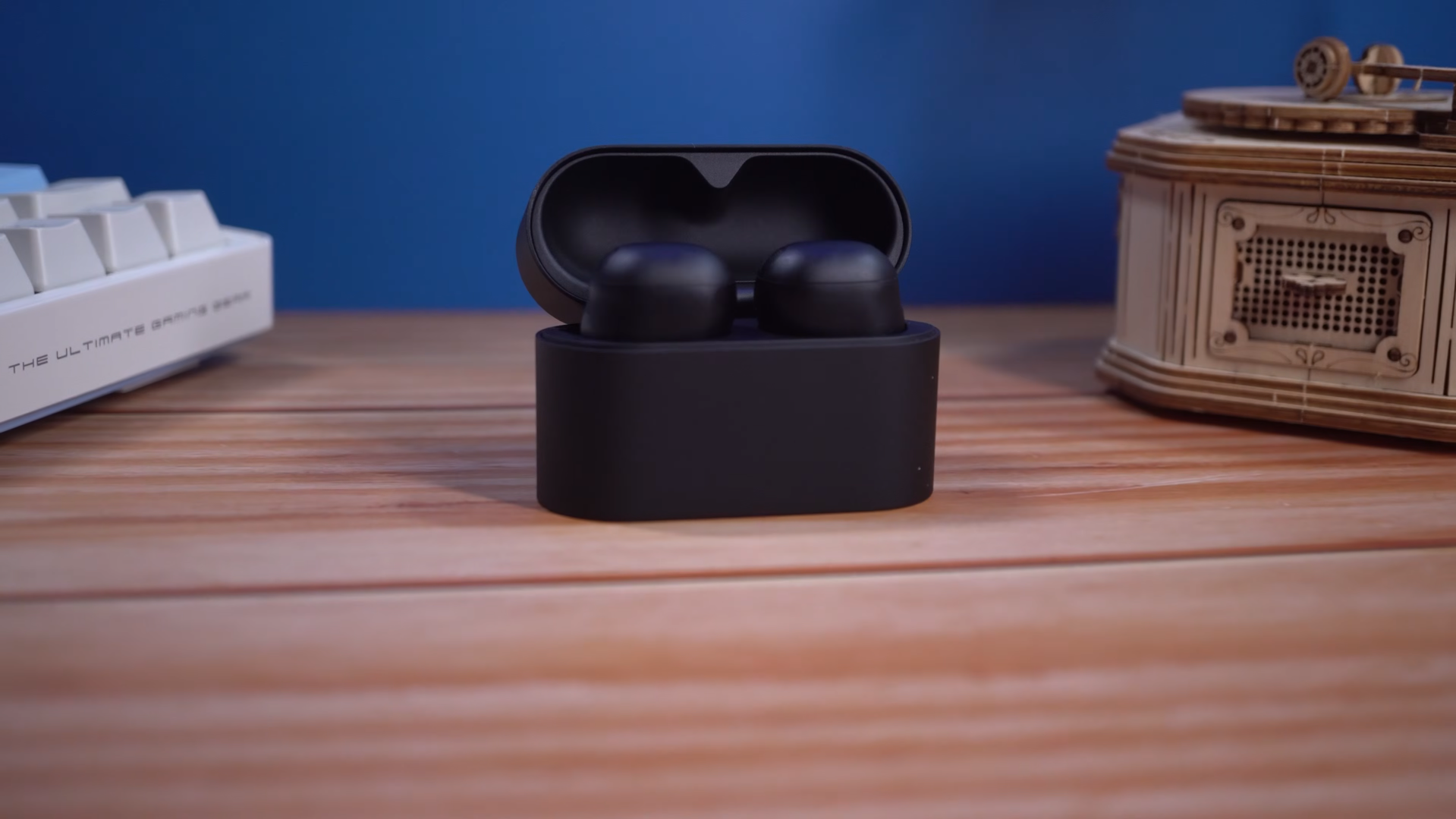
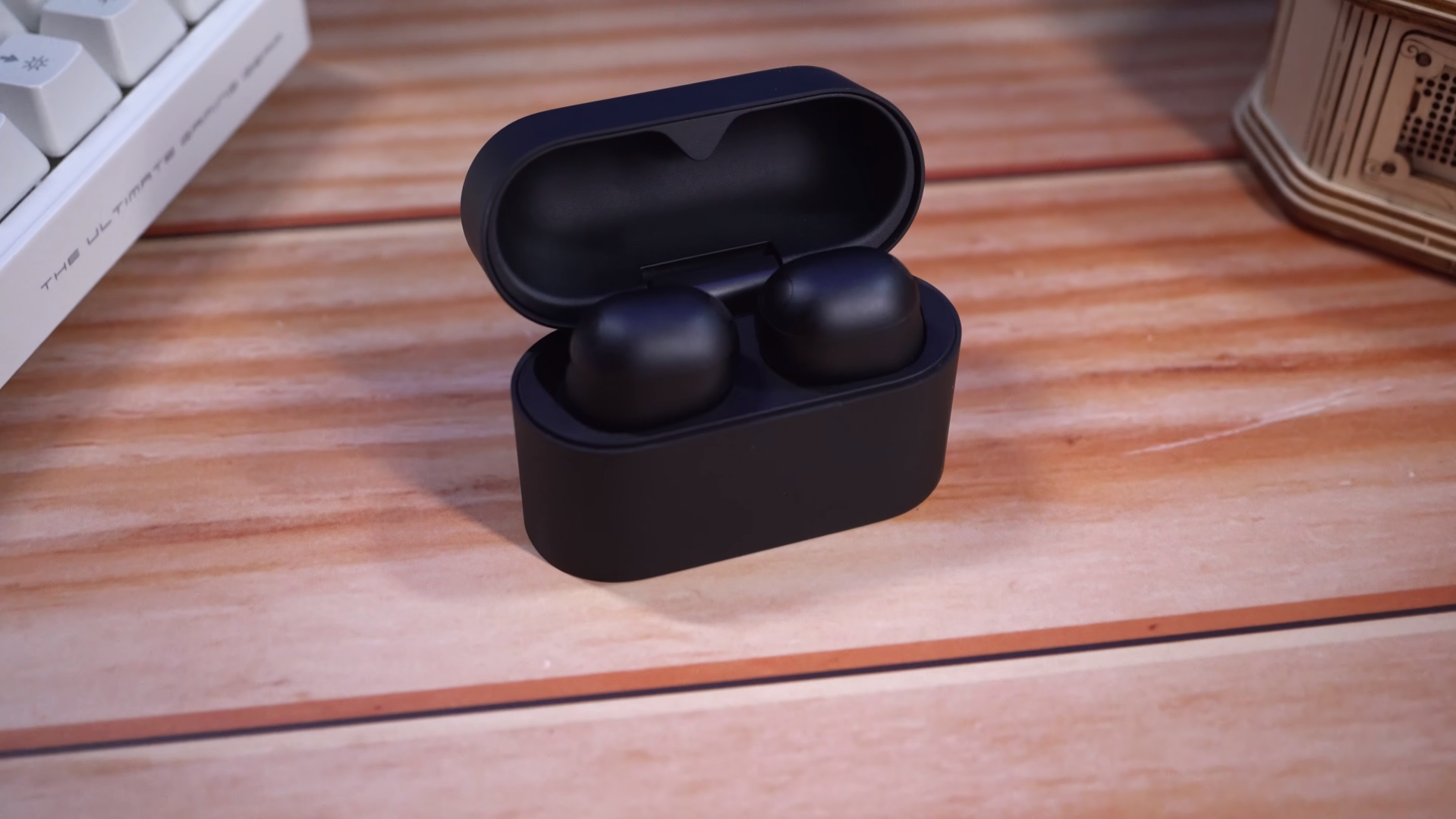

It’s a crisp, punchy setting that brings vocals into sharp focus, and it also improves the airiness in the soundstage compared to the default EQ. As I walk through the process of how I arrived at this EQ, I hope that those of you who don’t have any experience working with equalizers can learn something, and in the process, create your own custom EQ that works for you. To me, I’ve arrived at the best setting for the XM6, but depending on age and listening preferences, you might think otherwise. So buckle up!
EQ Settings
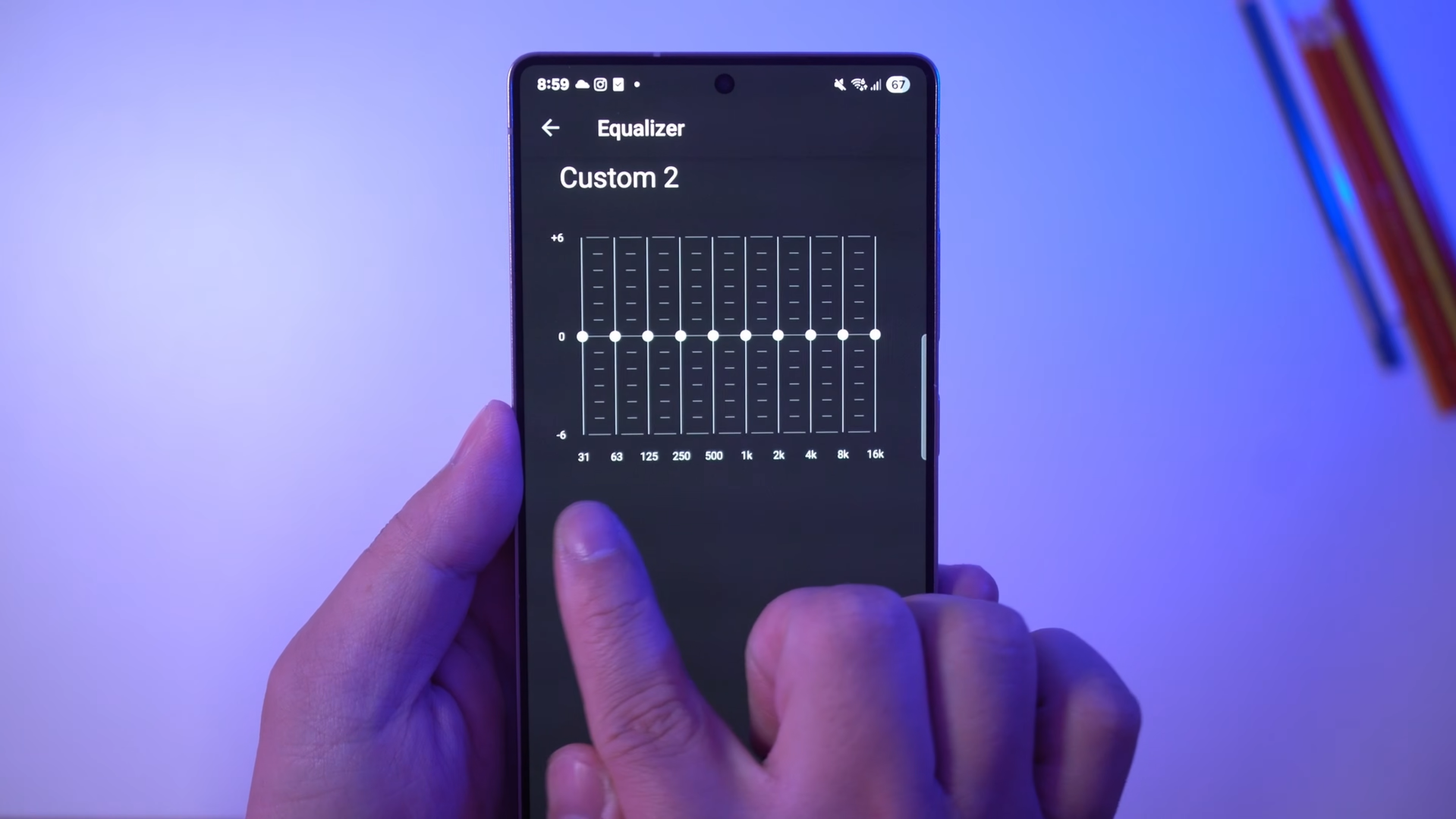
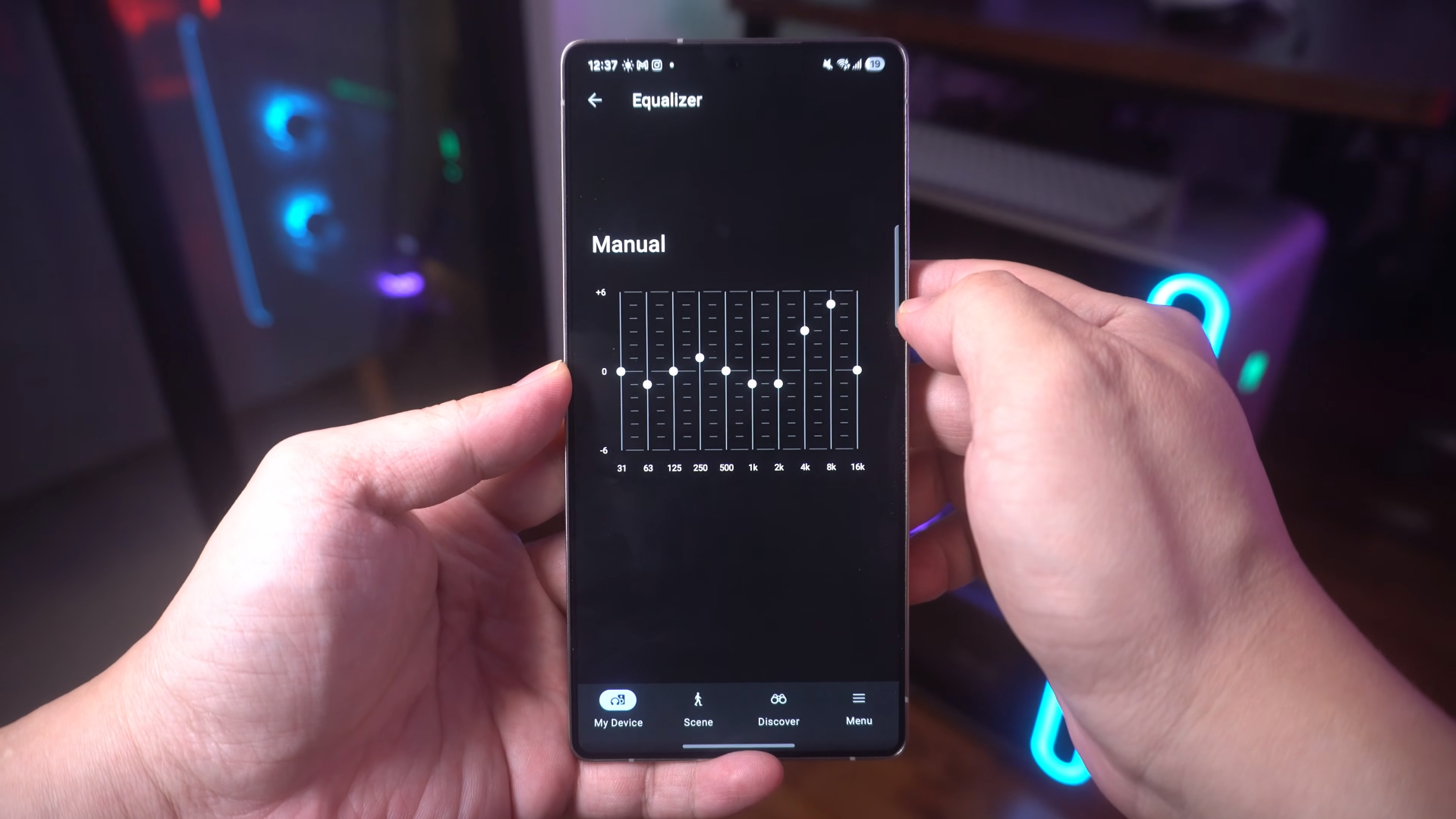
Before even attempting to change the settings, you need two things. You need a point of reference, so select some music that you’re very familiar with, and as you make the changes, try to listen out for differences. And second, you need to know what those numbers on the graph mean. I will explain them while making my own adjustments so feel free to make those adjustments on your own set as we go.
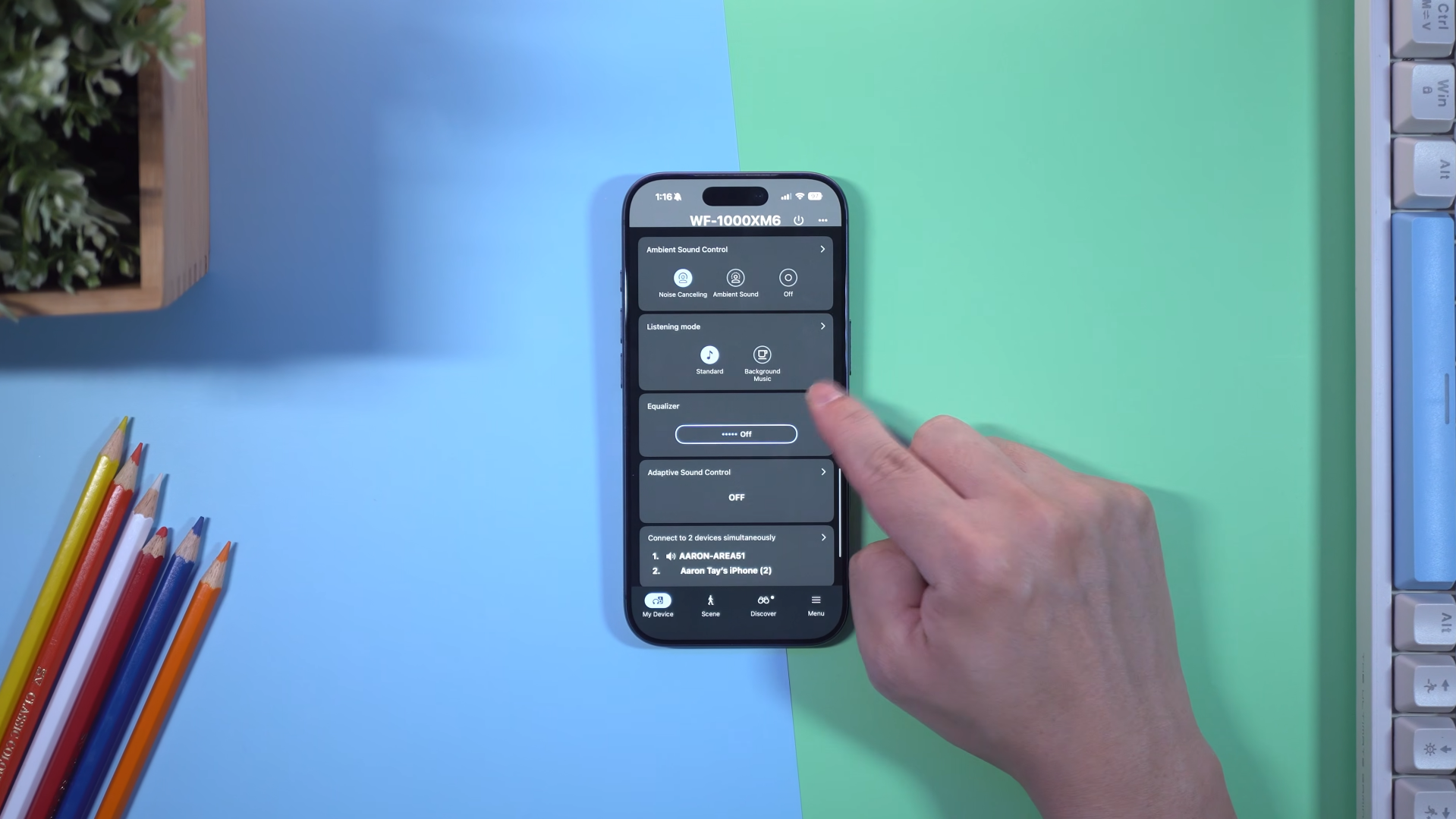
I recommend making these changes on Custom 2, so it’s easier to toggle EQ to ‘Off’ and compare the difference. In fact, try playing some music, then toggling between Off and a flat Custom 2. You’ll notice that actually the ‘Off’ setting sounds very different, and it even sounds louder than Custom 2. That’s because the ‘Off’ setting has its own EQ, and the ones labelled Custom are the actual Flat EQ.
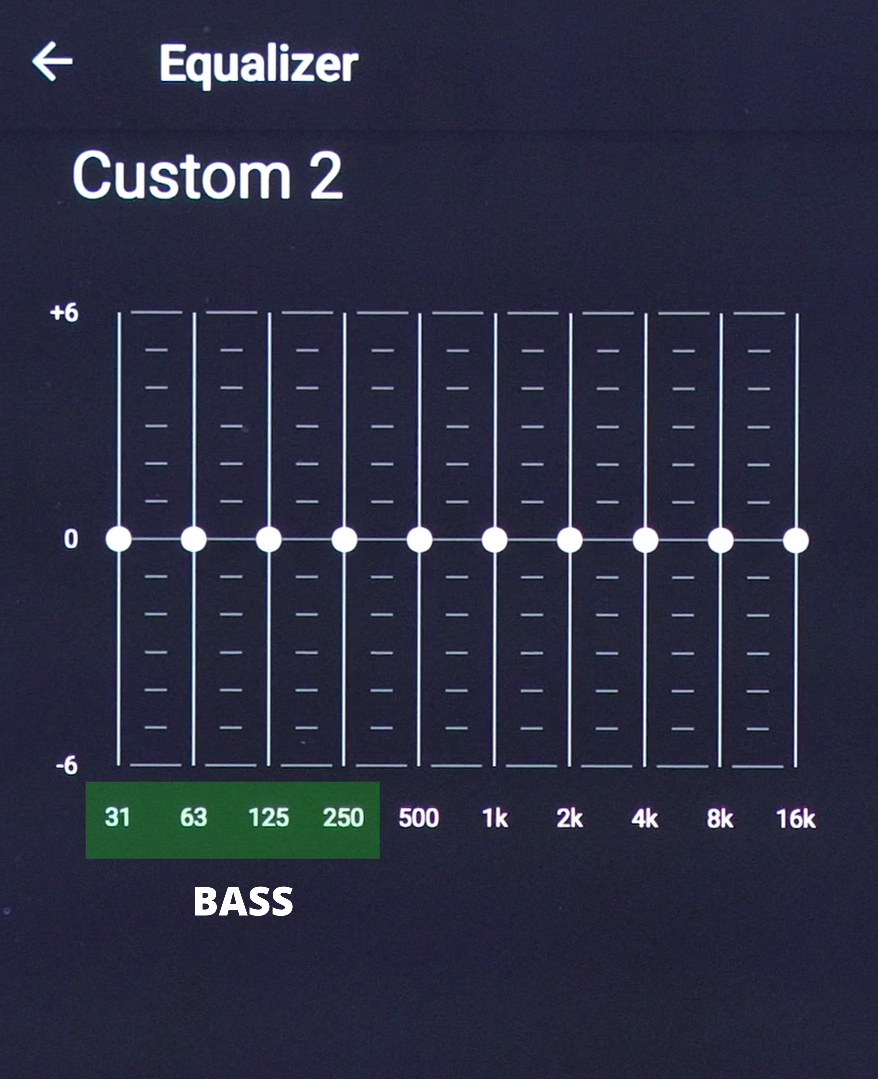
Let’s toggle back to Custom 2 and let’s start on the left side from 31hz to 250hz, this is the bass region. Sub bass from 31hz to 63hz, mid-bass at 125hz, and high bass at 250hz. Any adjustment at 250hz will also affect the mids so keep that in mind. I increased the sub bass at 31hz to +3 and 63hz to +4 because I want to give bass notes more gravity, and then I increased the 125hz to +1 to add some tightness and punch to the bass. Next, I decreased the 250hz dial to -1. 250hz is the midpoint between bass and mids, and I wanted to create some separation so the bass sounds tight and clean, but doesn’t bloom over into the mids.
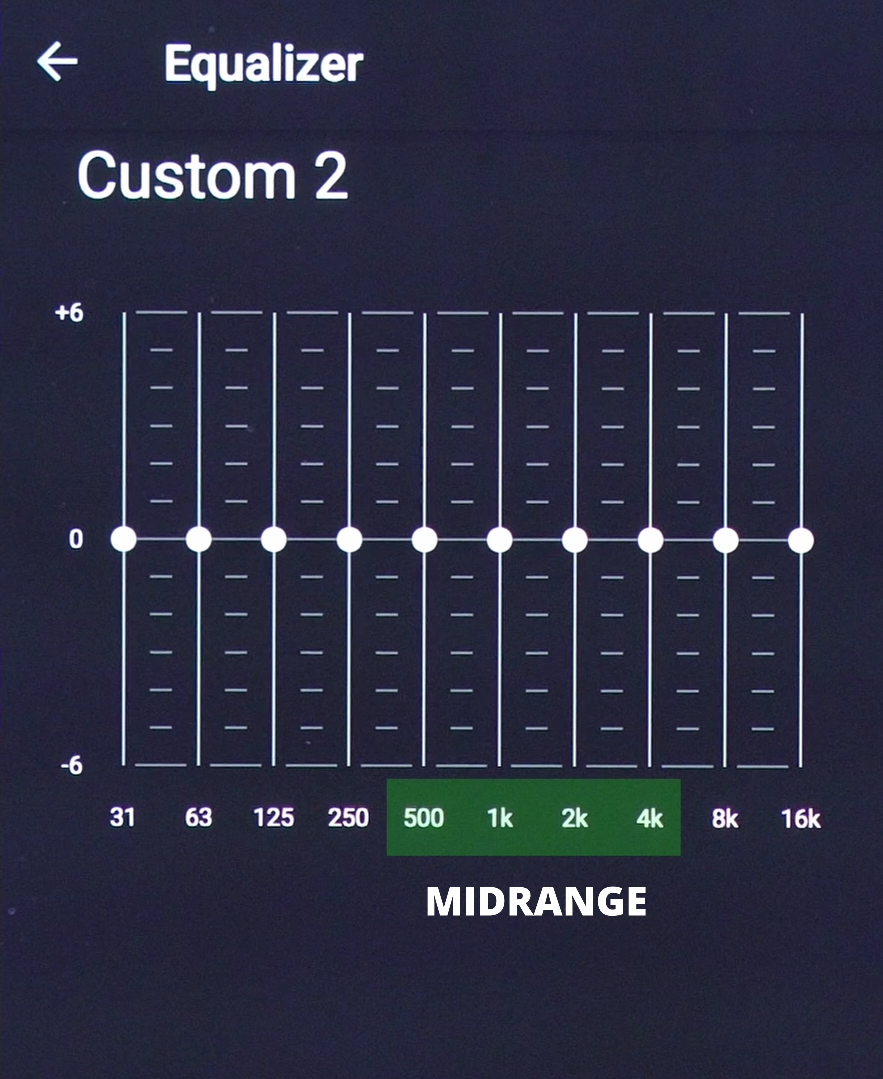
From 500hz to 4khz we have the midrange frequencies, and this affects vocals as well as most sounds in general like music instruments and sounds effects. But when tweaking, I recommend using music with vocals as a point of reference, because humans are naturally more sensitive to changes in voices. We have the low-mids at 500hz which affects the fullness and body of vocals, 1khz affects the loudness of vocals and instruments, and 2khz affects the crispness or sharpness of vocals. I kept 500hz at 0, and decreased the 1kHz and 2kHz dials to -2. Why?
Because I found that to be the best way to temper the brightness of vocals on the WF-1000XM6 which also made it sound more focused, less brassy. 4khz is what is known as the Presence dial. It adjusts the clarity and detail of vocals and instruments to make them sound more, or less obvious from the soundstage. But be careful, too much can make everything sound too harsh while too little can make instruments and vocals sound too distant. I set 4Khz to -1 because I prefer to have vocals a little less harsh without it being too recessed into the sound stage.
We also have treble dials at 8kz and 16 kHz. These adjust the brightness and airiness of the whole sound in general, specifically the brightness and crispness of instruments at 8kHz, and airiness and transparency at 16khz. If you feel that your sound is dull and veiled, you need to increase them. If it’s too bright and annoying, decrease them.
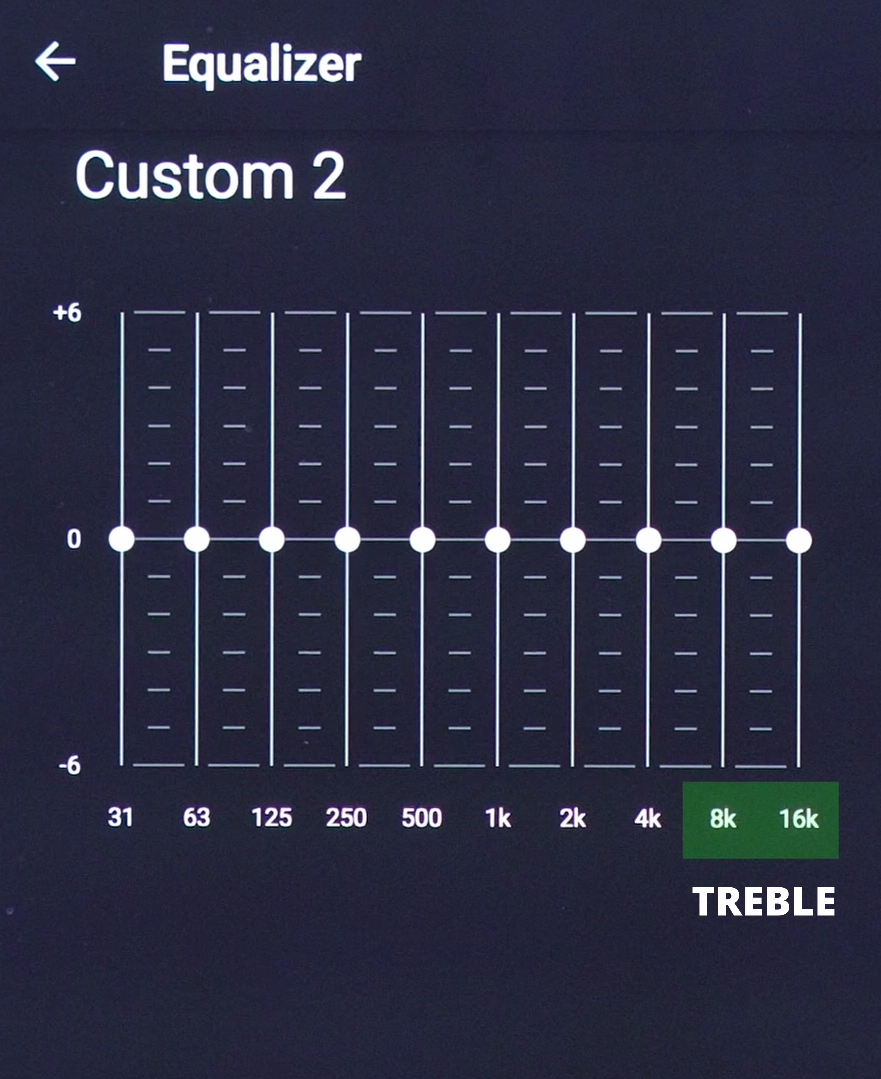
For me, the WF-1000XM6 on flat settings sounds way too dark, so there’s a low-fi quality to it which didn’t quite satisfy me. So I pumped up 8khz to +2 to give instruments more sizzle, and 16khz to +6 to expand the air and transparency of its soundstage. Some people may not like it at +6 because they’re too sensitive to higher frequencies, if so, you may set it to +3 or lower. For me, +6 gives the best airyness and openness in the sound stage.
👉🏻 Have a listen to the sound quality samples
If you’ve followed along all the way, you would have arrived at my SINGAPORE SPRING EQ setting for the WF-1000XM6 which you can get by clicking on the QR code below. This is a preset which has a crisp, punchy sound that brings vocals into sharp focus, and vastly improves the airiness in the soundstage compared to the default EQ.

But what do you think about this setting? Or do you have another setting that you want to share?
Check latest price:
Sony WF-1000XM6 - https://amzn.to/4bgWGeA
(Affiliate Links Disclosure)
When you make a purchase through the Affiliate Links on this site, the site earns a small commission at no cost to you. Thank you for your support!
