
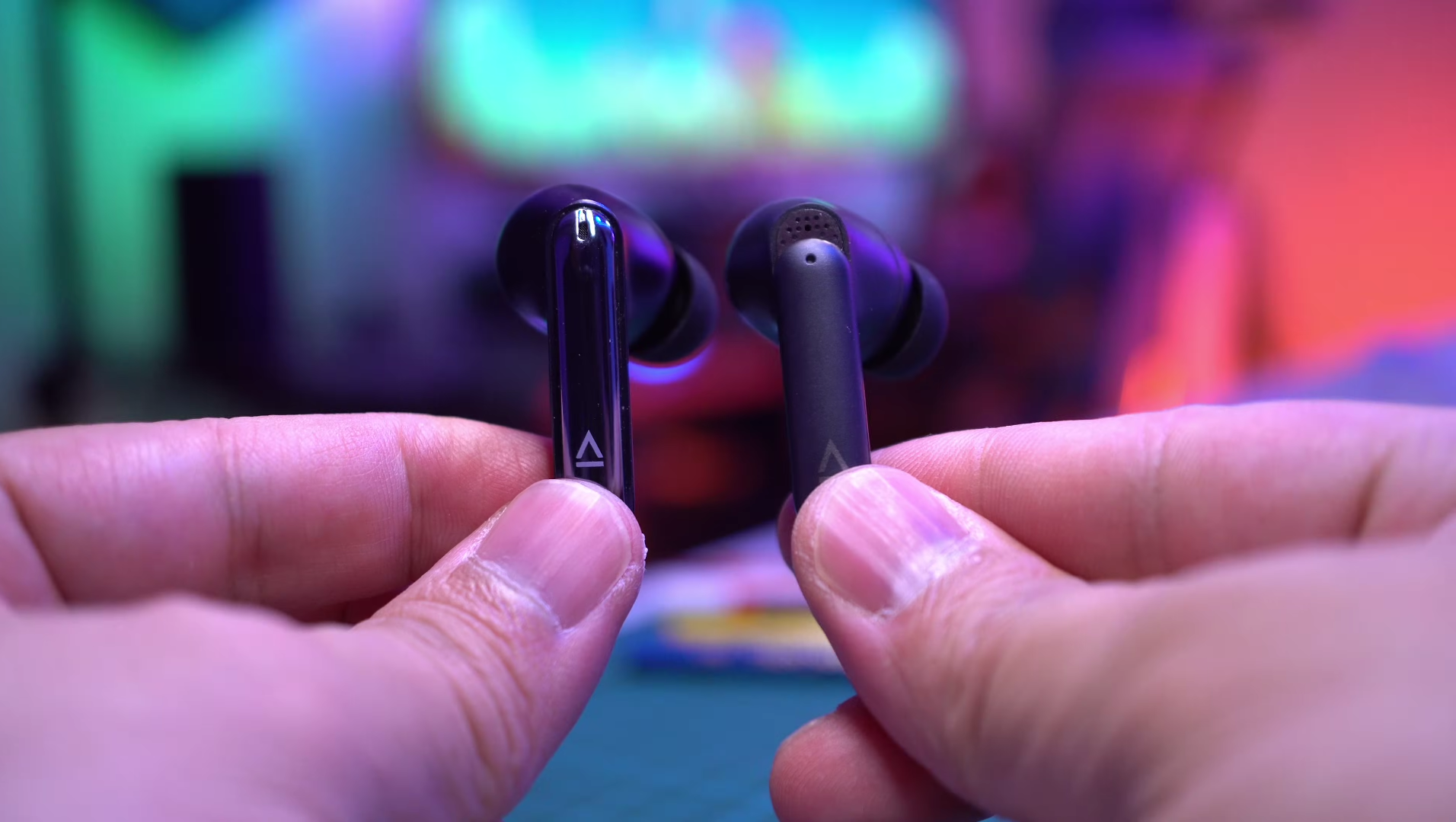
The Aurvana Ace 3 is somewhat of a missed opportunity and I’m not saying this because of its sound. It sounds very, very good. Again it’s got dual drivers with xMEMs covering the high frequencies and a 10mm dynamic driver. We’re going to dive in deeper when we discuss sound quality. But it’s really about some other aspects of the Ace 3 that I hope can be improved with software updates.
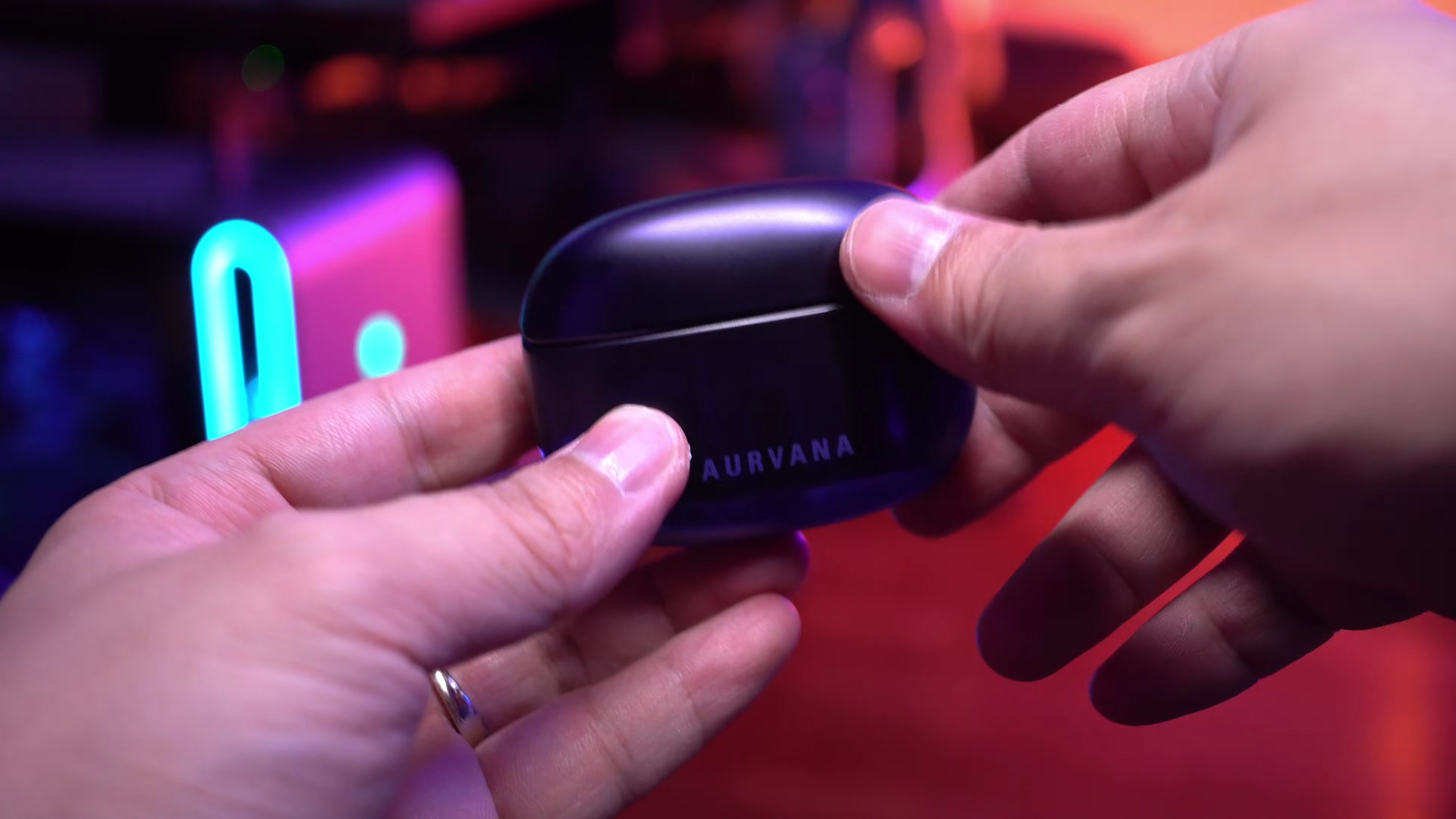
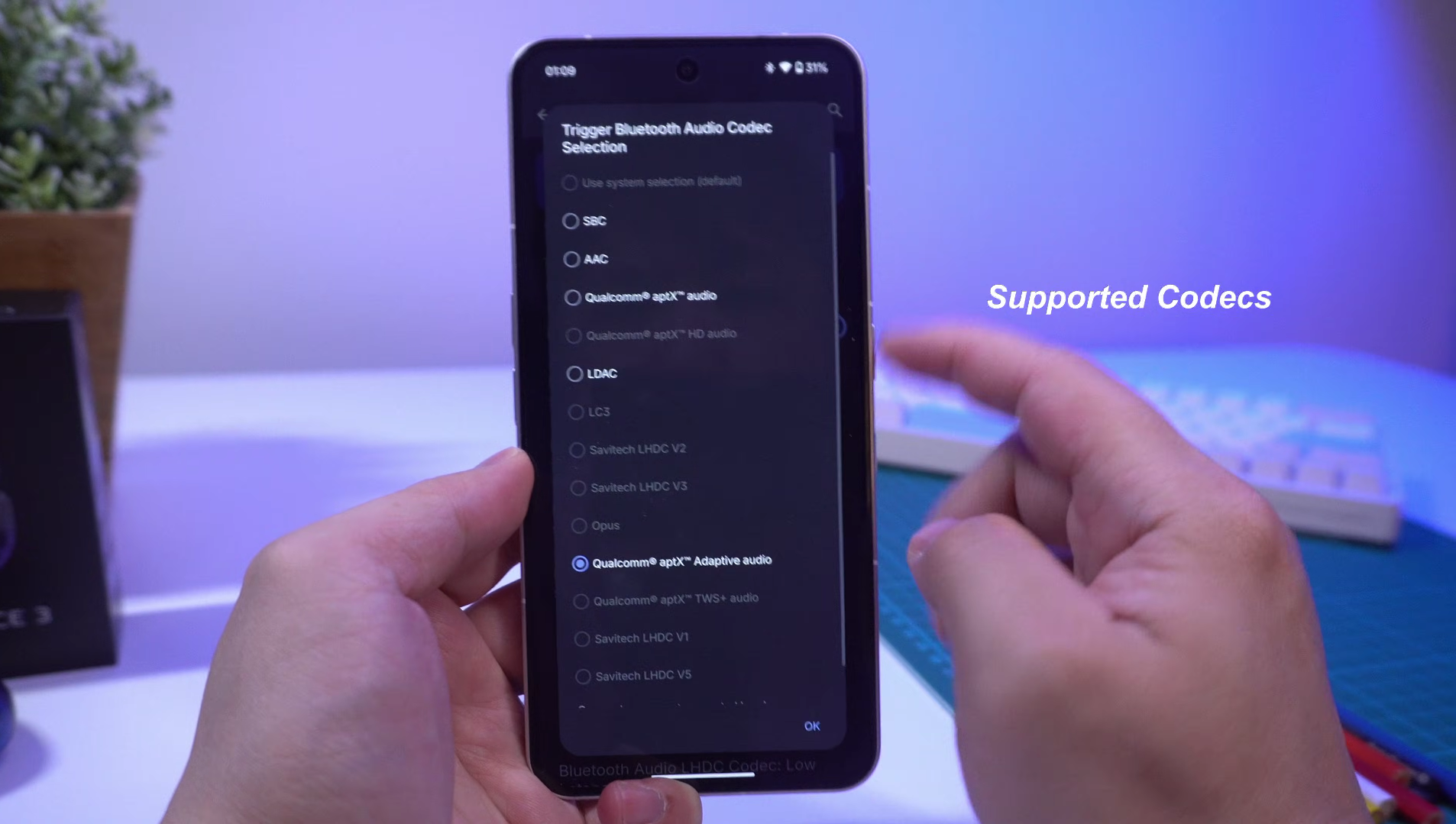
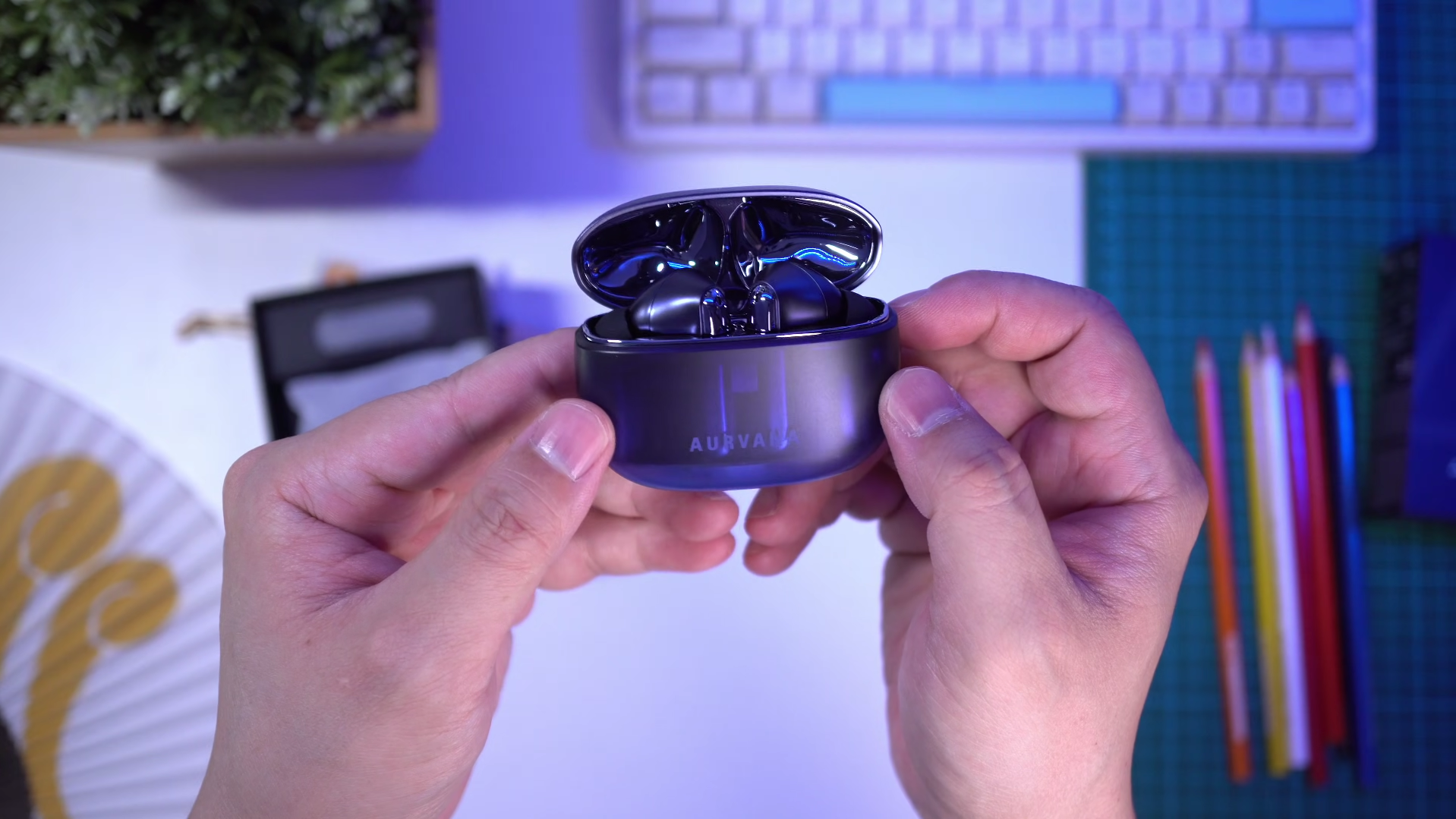
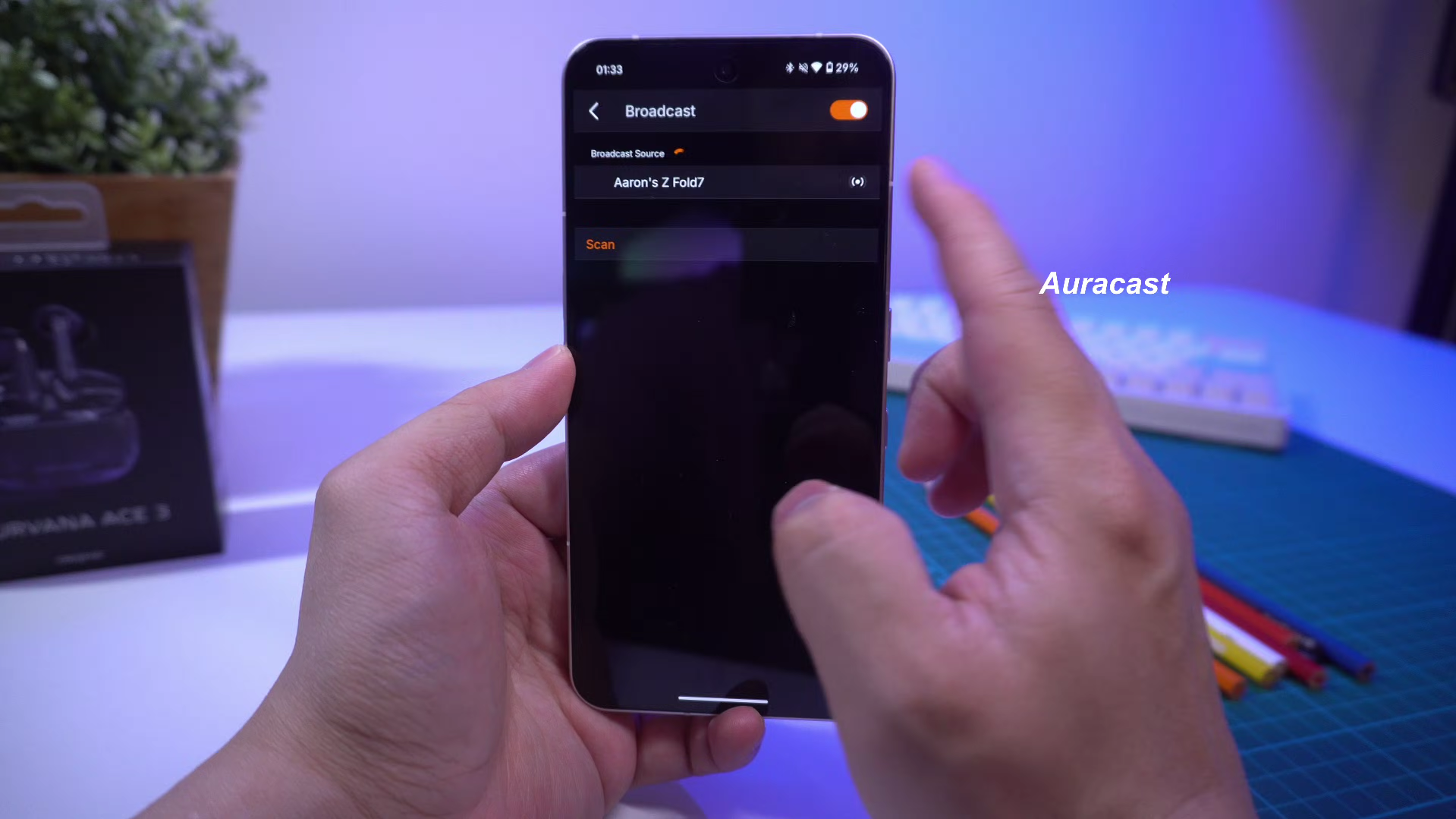
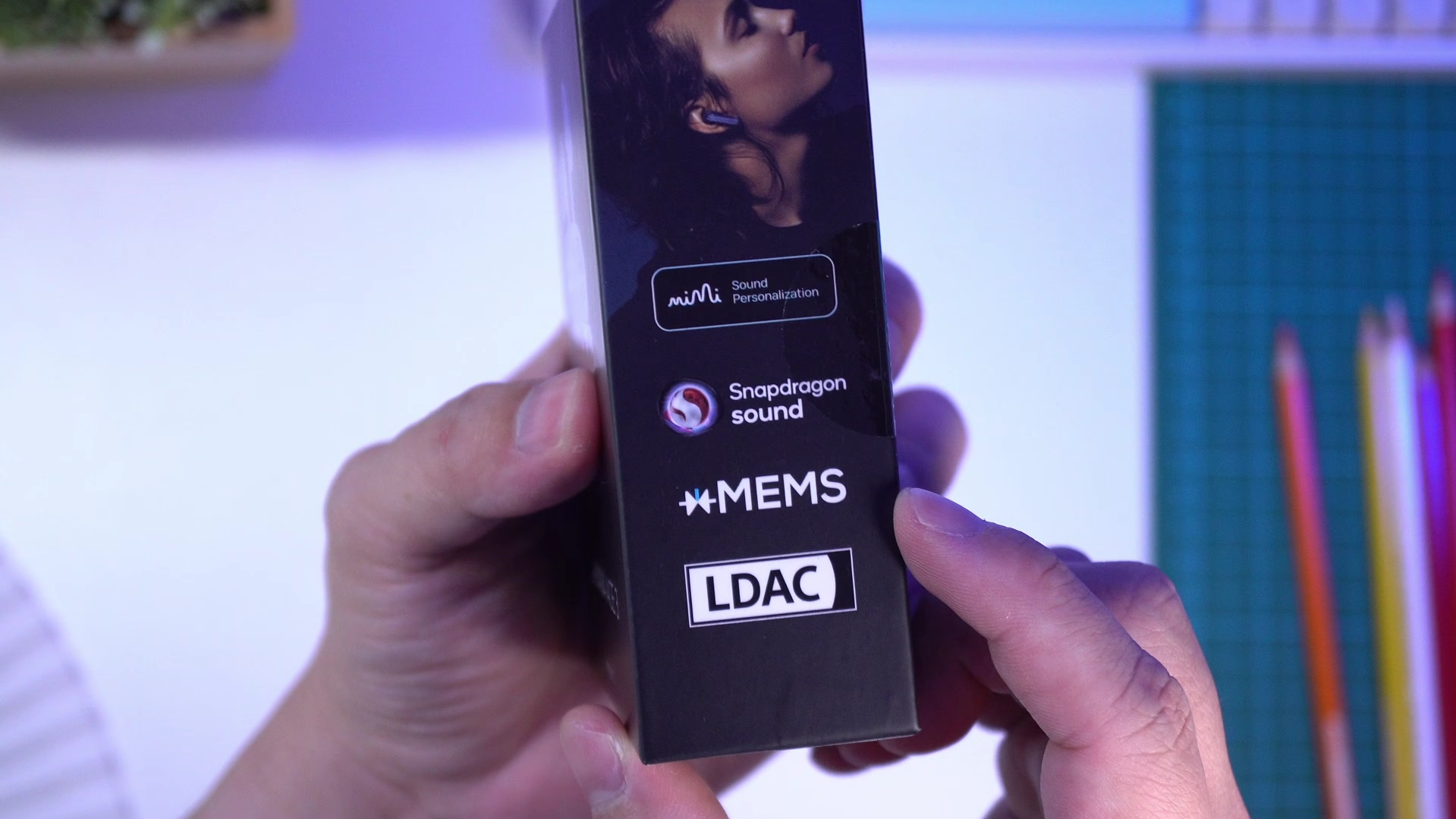
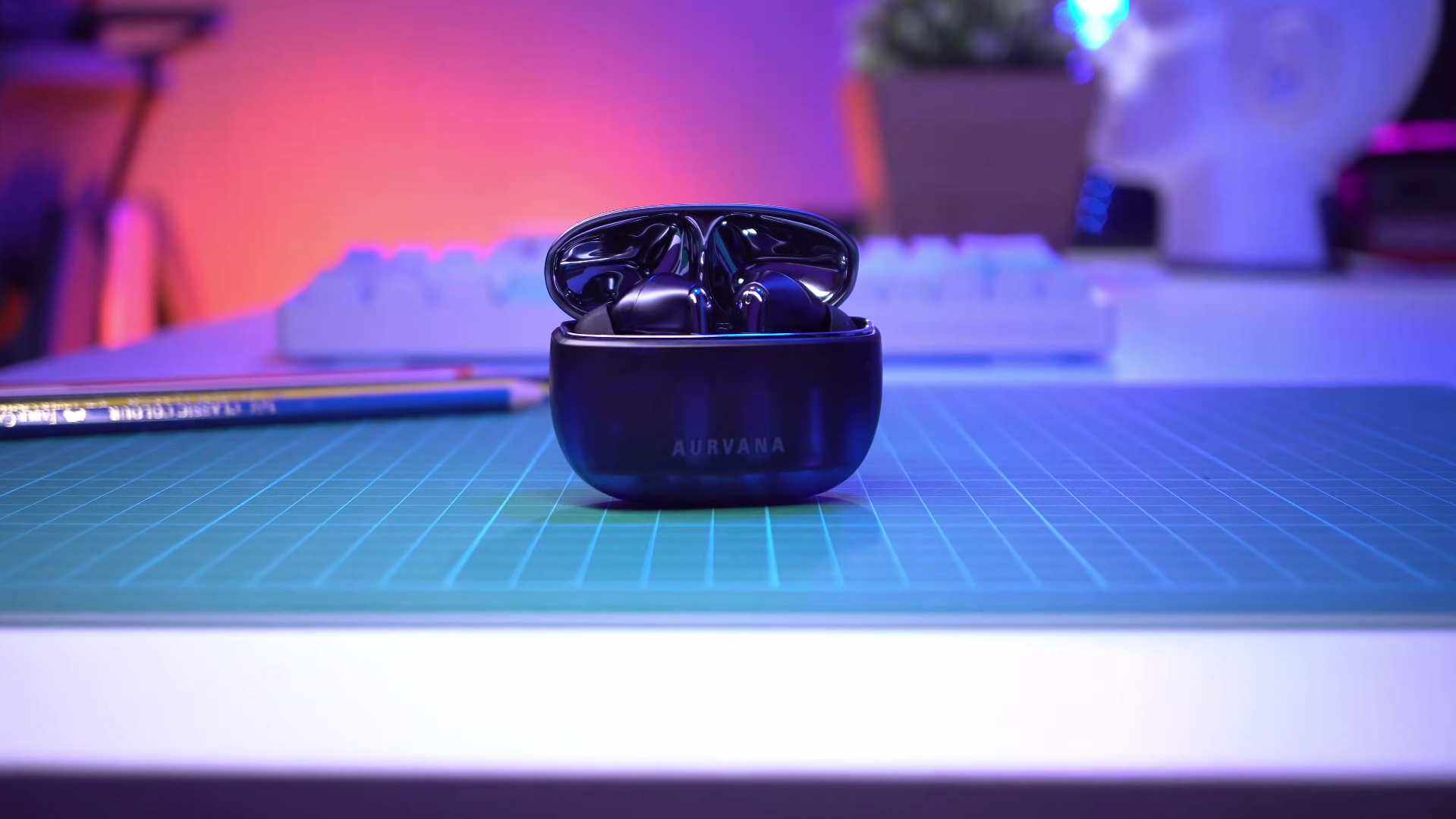
Specs-wise they look pretty great. Snapdragon Sound, LDAC codec, Auracast support, multipoint pairing, up to 7 hours of battery per charge with a total of 26 hours with case, wireless charging, and Mimi calibration to personalize your sound profile.
EQ settings are extensive with presets and a graphic EQ. So they’ve got all bases covered, but we’re also going to look at their performance, how it compares to some other xMEMs earbuds like the SOUNDPEATS Air5 Pro+ and the older Aurvana Ace Mimi.
Microphone Quality

In terms of mic pickup, in quiet, or even moderately noisy conditions, the Ace 2 will perform pretty well, and my sounds clean, but in very noisy conditions, similar to the Ace Mimi, its noise-gating gets so aggressive that it cuts into my own voice, which is why in my mic quality rankings I am giving it a Rank B, which is one level below the SOUNDPEATS Air5 Pro+’s Rank A.
👉 Have a listen to the mic quality samples
Active Noise Cancelling

As for active noise canceling, it only has Adaptive mode so it changes in intensity according to noise level, and under intense noise, noise canceling is very effective, and quite comparable to the Air5 Pro+. It combines active reduction as well as a pretty high dose of white noise masking, so you can actually hear a faint hissing sound.
When it does shift to a weaker version, it’s very weak, not providing much canceling of the lower and higher frequencies, but as far as I can tell, the switching does only happen in more quiet conditions. Would be better to have the option to turn off Adaptive mode entirely and manually set the noise canceling level, like the Ace Mimi.
But perhaps this is to save more battery since dual driver earbuds use more power. If we compare it to the Ace Mimi, the Ace 3 doesnt cancel as much noise, even if it applies more noise masking.
👉 Have a listen to the ANC quality samples
Transparency Mode
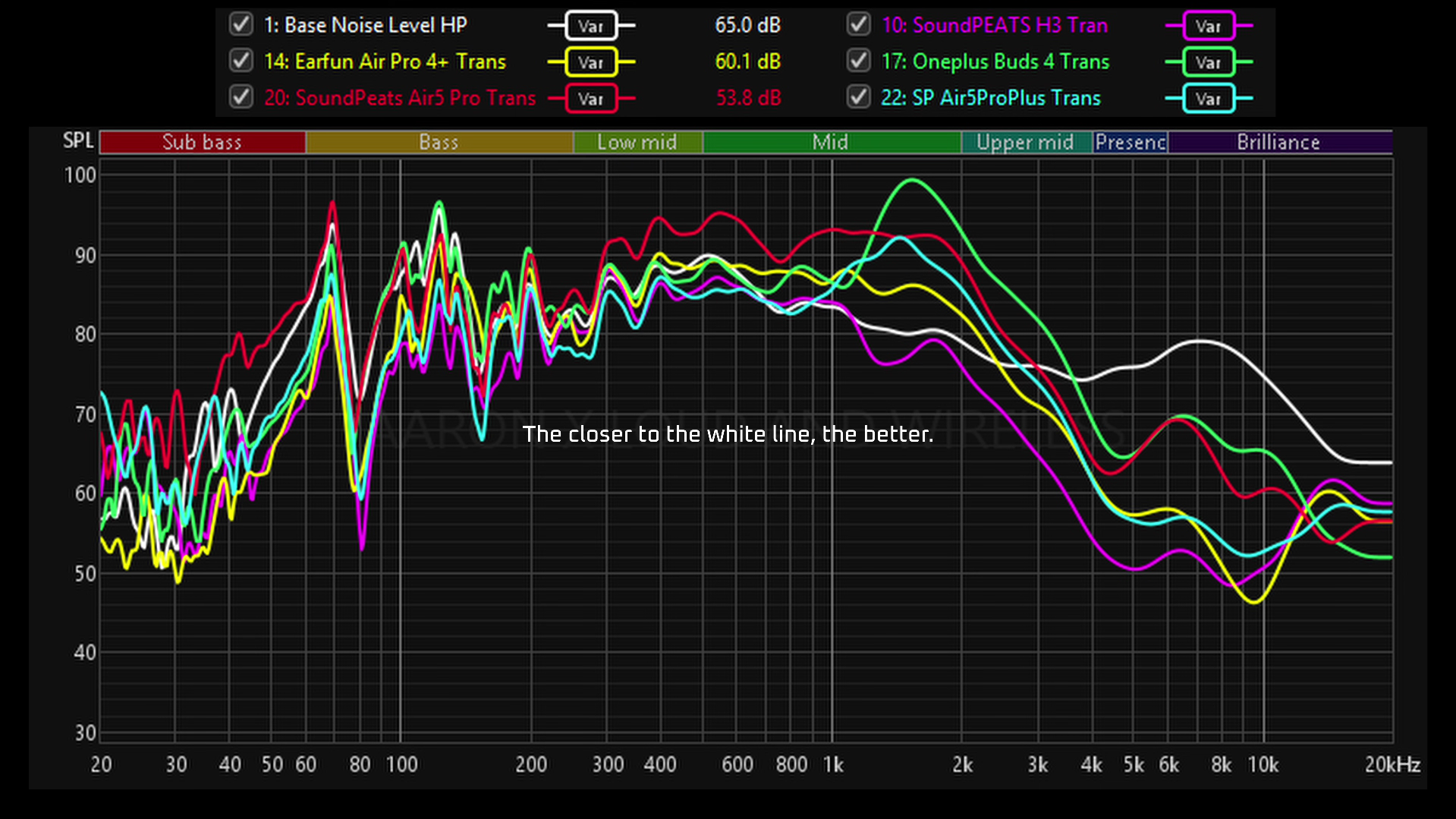
In terms of transparency, it’s very usable. Does a pretty good job of passing through the midrange so ambient sounds and voices are quite well amplified. And it does feel more transparent than the Air5 Pro+. There’s also very little occlusion when I’m speaking so verbal exchanges feel pretty natural. But there’s also quite a bit of hiss in the transparency, maybe due to the excessive amplifying of the upper mids. Nonetheless, it’s good transparency.
Sound Quality
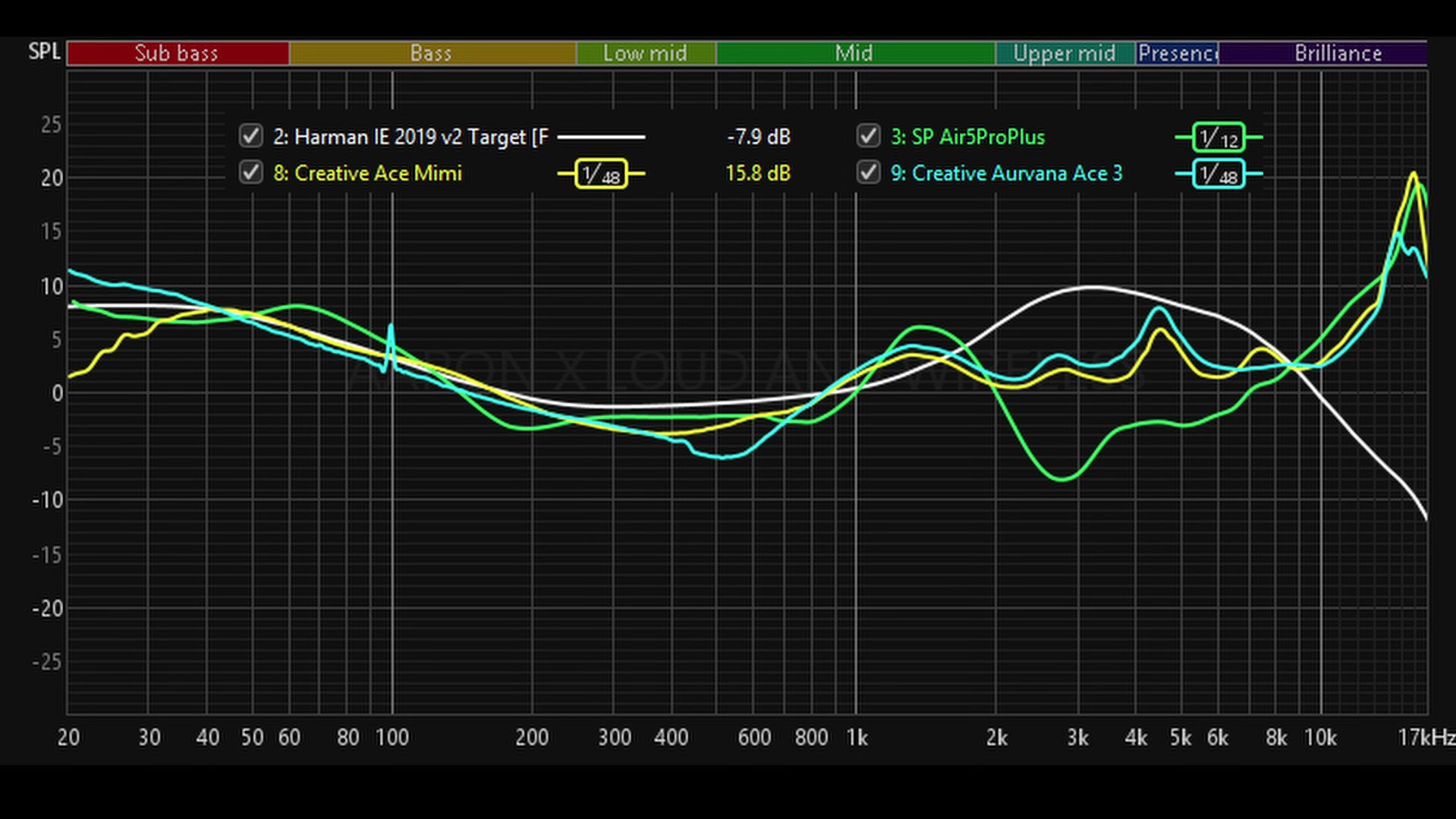
In terms of sound quality on their default settings, they sound pretty awesome. As you would expect of earbuds using solid-state drivers like xMEMs, details sound Hi-Def, as in there’s a lot of precision and focus. And it’s easy to hear it in vocals, especially.
Vocals are focused on a single point in their position and not from a wider angle. Bass is deep, textured and visceral without sounding bloaty. And these are quite resolving so if you want accuracy and detail, just like previous Aurvana Ace earbuds, these hit the spot.
In fact, frequency sweeps show that their tunings are very similar. But, this time it’s a bit more V-shaped, with more emphasis on the upper mids and highs, so it’s a slightly crisper tuning. And you can expect a bit more brilliance than the Air5 Pro+ in the upper mids to lower treble.
However, the Air Pro 5+ does stage its sound more intimately, so vocals and instruments sound more forward, which can come across as more engaging compared to the laid back signature of the Ace 3. Also, the Air 5 Pro+ is about 10% louder so 50% volume gets the same loudness as 60% volume on the Aurvana Ace 3.
Conclusion
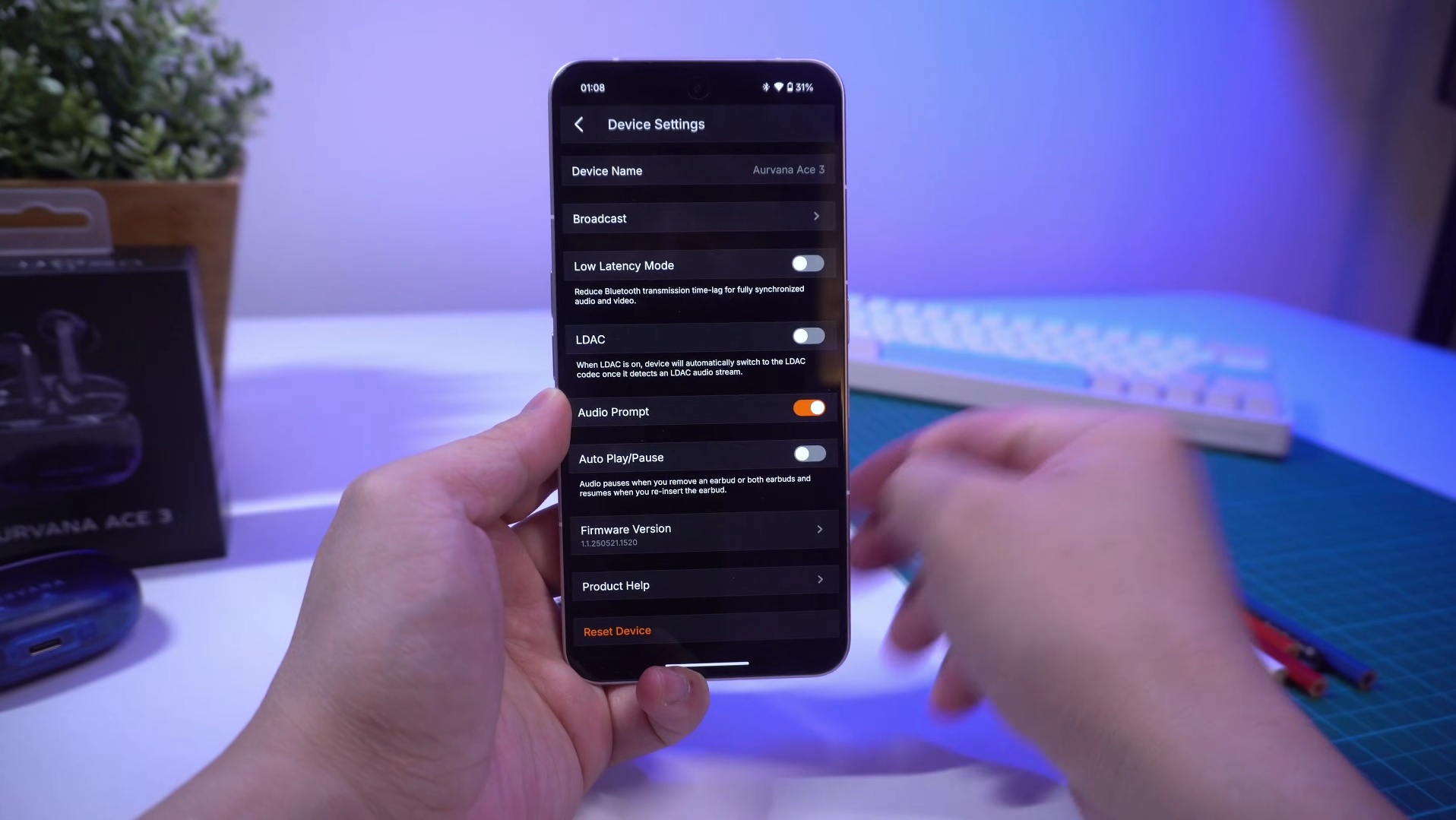
So the Ace 3 sounds great, noise canceling is quite effective, and it’s feature rich. But implementation of some features is not perfect, which I hope can be fixed through a firmware update. For example, it supports LDAC and it does work well on a single device, but with multipoint, audio and video playback stutters.
Switching it back to regular aptX or AAC solves the issue, and multipoint works as usual. Second, Auracast does not work. I tried to connect to an Auracast stream from the Samsung Z Fold 7 and every time I try, the app restarts. So I was like, maybe it needs to be in LE Audio mode first. So I switched into LE Audio mode, and this time it shows as connected to the Auracast stream, but it’s not, and a few seconds later, the app reboots. So even if the Ace 3 ‘supports’ Auracast, this feature is not ready to be used yet on the Ace 3.
The last thing is the controls. They don’t have single tap gestures. On the one hand, it’s good, because you avoid accidental taps when putting the earbuds on or adjusting it. On the other hand, controls are more limited because you’ll only have 3 control options per earbud instead of 4.
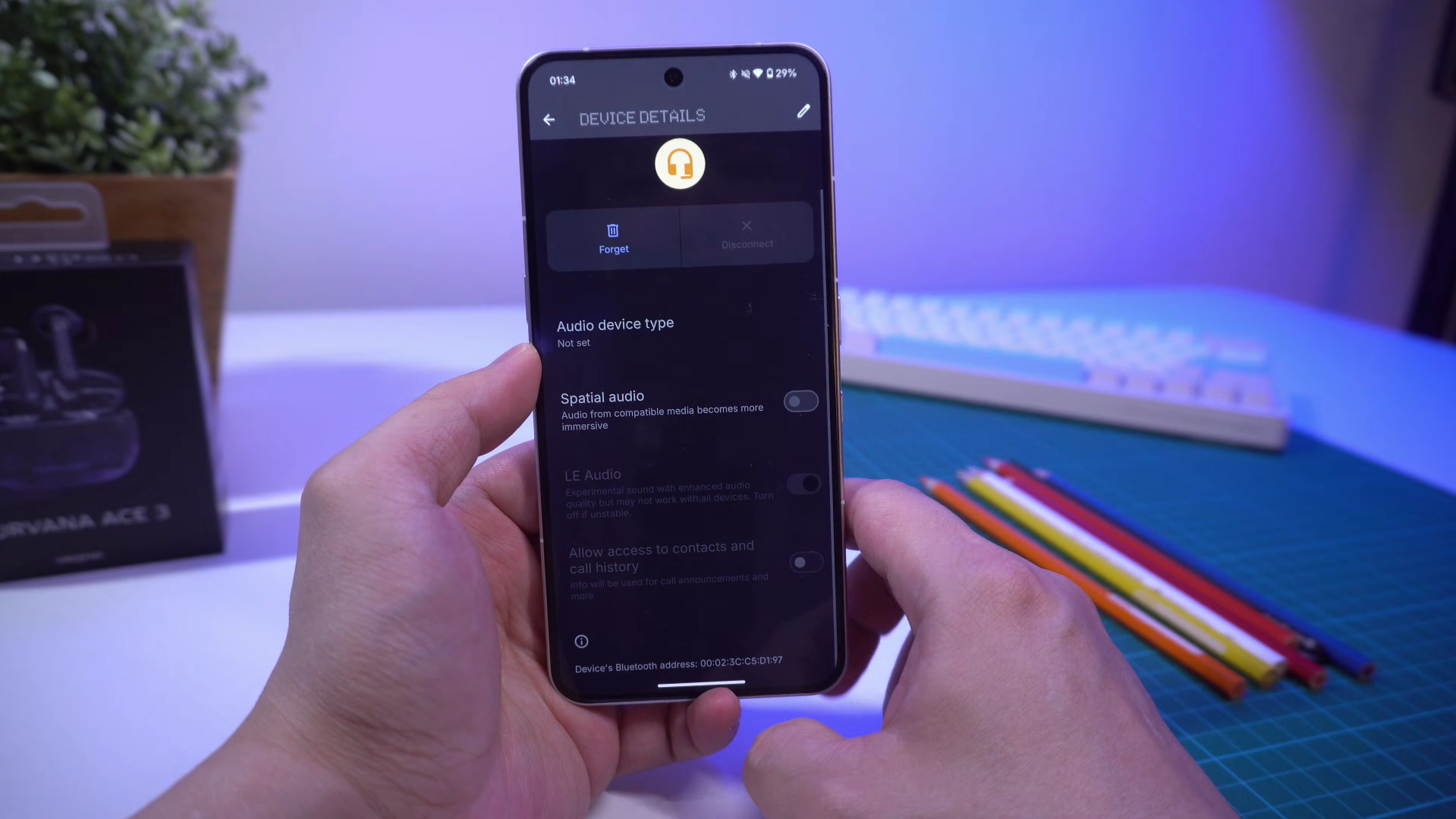
Not so critical if you’re using both, but more limited if you’re using just one. Also, if you’re using just one earbud, just like the Air5 Pro+ you won’t have access to ambient controls, but what’s different here is that you also get no noise canceling, or transparency functions. They can’t even be turned on in the app, whereas with the SOUNDPEATS, you can even with just one earbud, you can turn on transparency or ANC in the SOUNDPEATS app.
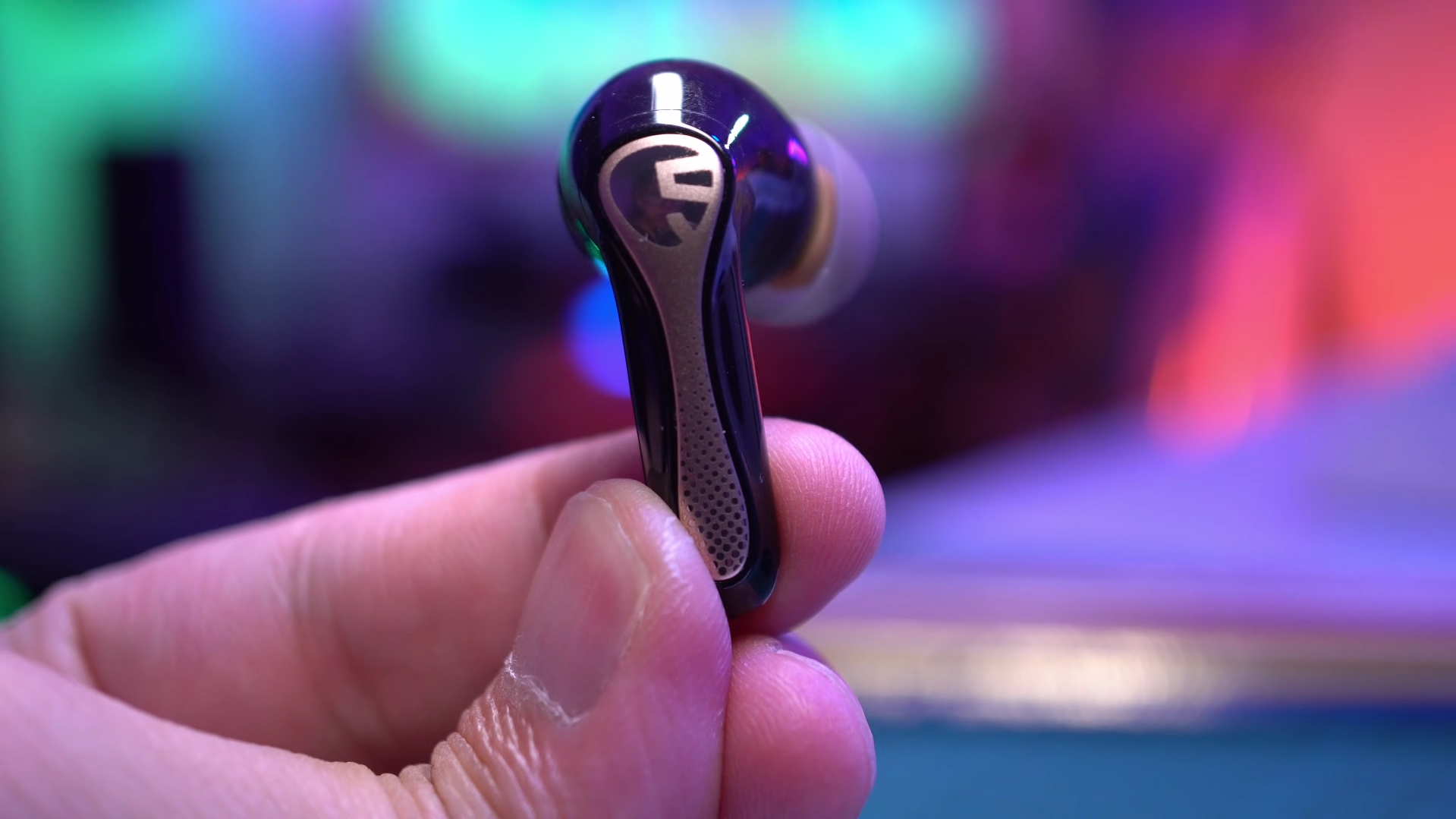
But hey, perhaps single earbud noise canceling isn’t something you need, maybe you are okay with staying in aptX Adaptive mode while using multipoint, and you don’t really care about Auracast. If that is you, and your priority is sound quality, the Aurvana Ace 3 earbuds with xMEMS is worth checking out for that pinpoint accurate and resolving sound signature.
Check latest prices:
Creative Aurvana Ace 3 - Link TBA
Creative Aurvana Ace Mimi - Link TBA
SOUNDPEATS Air5 Pro+ - https://amzn.to/4risJ3Q
